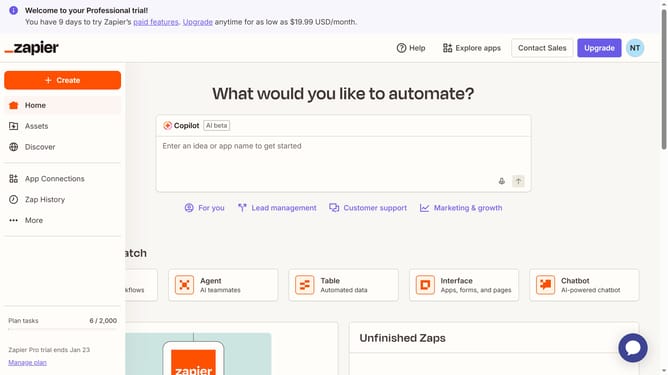
How to schedule automations in Zapier
Here is how to schedule automations in zapier
- First click on "Assets" item in the left sidebar
- Then click on "Zaps" item in the left sidebar under Assets section
- Then click on Zap link in the Zaps list
- Then click on the edit icon of the trigger app
- Then click on "Setup" tab in the right panel for the Gmail trigger step
- Then click on "Change" button next to the Gmail app in the Setup panel
- Then click on the search field in the app selection dialog and type “Schedule by Zapier”
- Then click on "Schedule" item in the search results
- Then click on the "Trigger event" dropdown box in the right panel
- Then click on "Continue" button at the bottom of the right panel
- Then click on the "Time of Day" field in the configure section
- Then click on an option in the time selection dropdown
Why should you schedule automations in Zapier
Zapier is a powerful automation tool that connects your favorite apps to streamline workflows effortlessly.
Scheduling automations in Zapier allows you to dictate when specific tasks or workflows should run, ensuring efficiency and timely execution without manual intervention.
By setting precise schedules, you create a consistent workflow, reducing the risk of errors and improving productivity.
This feature empowers you to stay focused on strategic tasks, knowing that routine operations are handled automatically.
Last update