How to create a subfolder in the free plan in Zapier
Here is how to create a subfolder in the free plan in zapier
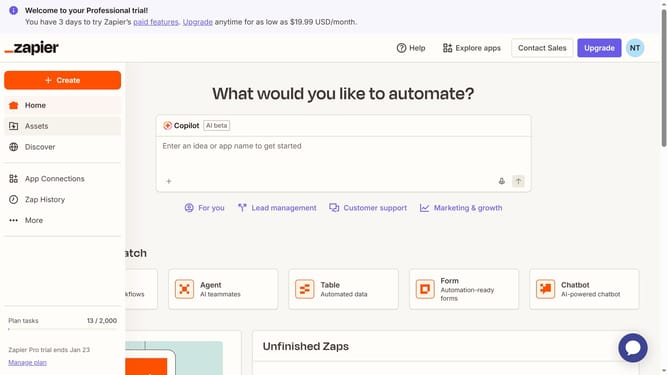
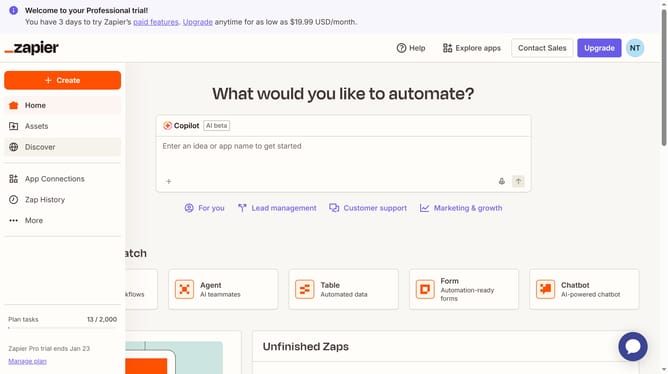
- First click on "Assets" link in the left sidebar navigation menu
- Then click on the main folder from the folders list
- Next click on the "Create" button in the top right area of the page
- Then click on "New subfolder" option from the dropdown menu
- Then click on the "Name" text input field in the create folder dialog and enter the subfolder name
- Finally click on the "Save" button to create the new subfolder
Why should you create a subfolder in the free plan in Zapier
Zapier is a powerful automation tool that connects your favorite apps to streamline your workflow effortlessly.
Creating a subfolder in the free plan on Zapier is a straightforward feature that enhances organization by allowing you to categorize your zaps neatly. This helps in maintaining a clutter-free workspace, making it easier to pinpoint specific automations when needed.
The ability to create subfolders is especially beneficial for users managing multiple projects, as it aids in efficiently tracking and accessing related tasks, ultimately boosting productivity and focus.
Last update