How to manage default country in a phone number field in a form in Zapier
Here is how to manage default country in a phone number field in a form in zapier
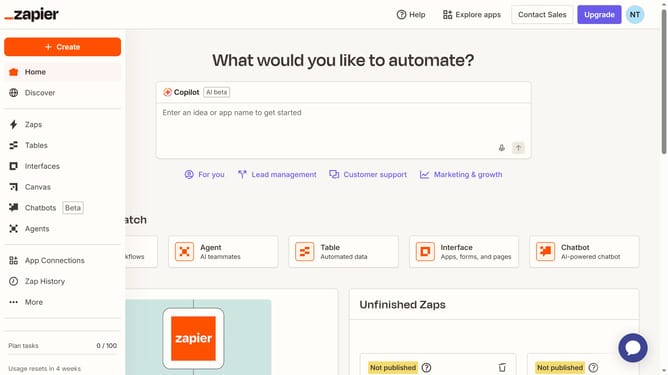
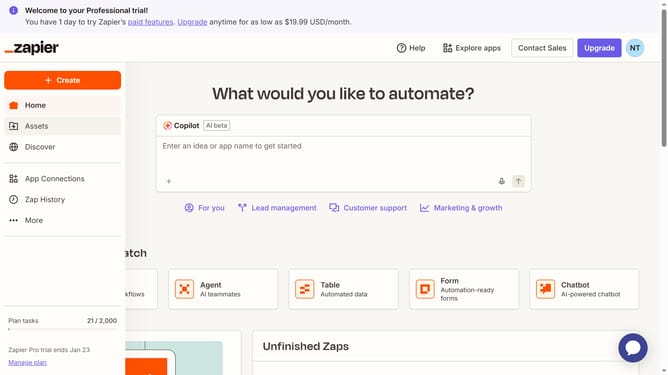
- First click on "Assets" in the left sidebar navigation menu
- Then click on "Forms" in the left sidebar navigation menu
- Next click on the form you want to edit from the list to open it
- Then click on the form card in the "Pages" section
- Next click on the "Phone Number" field in the form editor
- Then click on the "Default country" dropdown in the right panel Field Settings
- Next select your preferred default contry from the country dropdown list
- Finally click anywhere on the form canvas to close the field settings panel
Why should you manage default country in a phone number field in a form in Zapier
Zapier is a powerful tool designed to automate workflows and streamline tasks across apps seamlessly.
Managing the default country in a phone number field within a Zapier form simplifies data entry, ensuring consistency and accuracy. By setting a default country, users save time and reduce errors, maintaining a smooth flow of information.
This feature is particularly beneficial for businesses operating internationally, as it ensures that forms comply with varying international formats without manual adjustments. By enhancing user experience, it empowers global communication effortlessly.
Last update