How to manage browser title in chatbot in Zapier
Here is how to manage browser title in chatbot in zapier
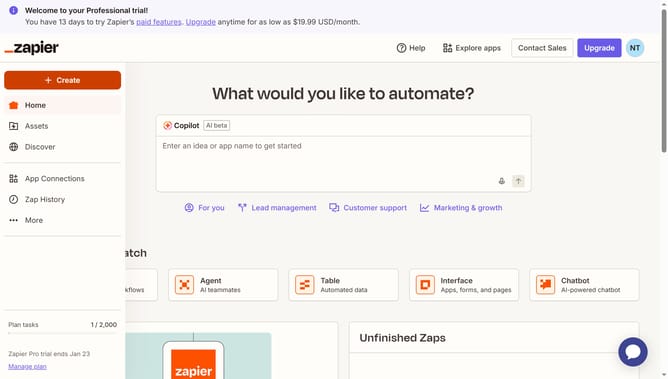
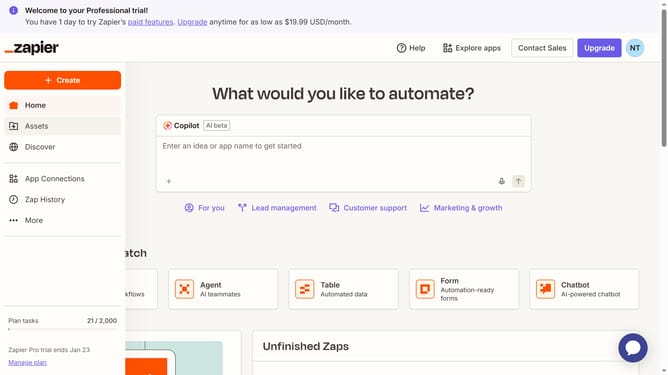
- First click on "Assets" in the left sidebar navigation menu
- Then click on "Chatbots" in the left sidebar under the Assets section
- Next click on the name of the chatbot you want to open from the chatbots list in the main content area
- Then click on "Settings" in the left sidebar under the Build section
- Next click on the "Browser title" text input field and modify the text
- Finally click on "Save changes" button at the bottom of the settings panel
Why should you manage browser title in chatbot in Zapier
Zapier is a versatile automation platform that connects your favorite apps to streamline tasks effortlessly.
Managing the browser title in a chatbot within Zapier enhances user experience by maintaining clear and relevant navigation information, making interactions smooth and intuitive.
By customizing the browser title, you ensure consistency with your brand voice, improving user engagement and reflecting professionalism. This feature keeps your communication transparent, fortifying trust and broadening audience reach effectively.
Last update