How to create table using a template in Zapier
Here is how to create table using a template in zapier
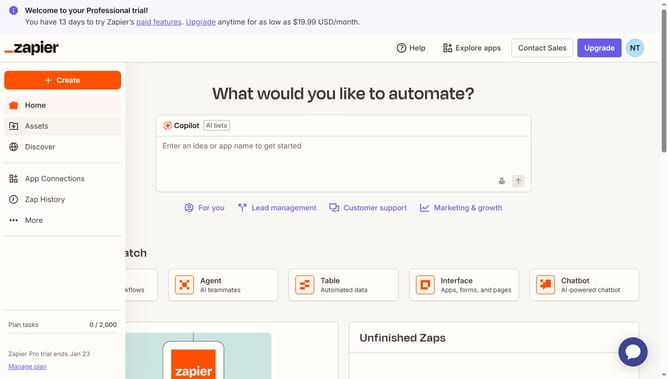
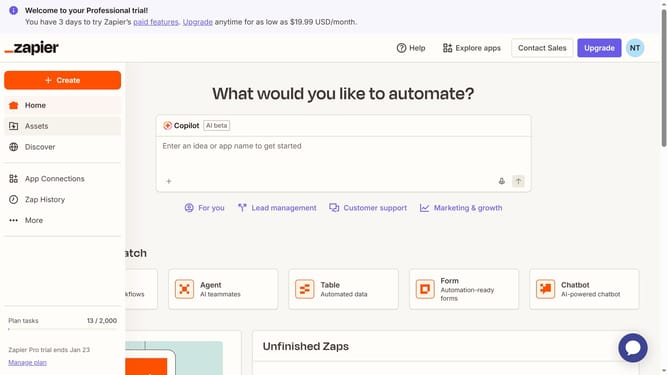
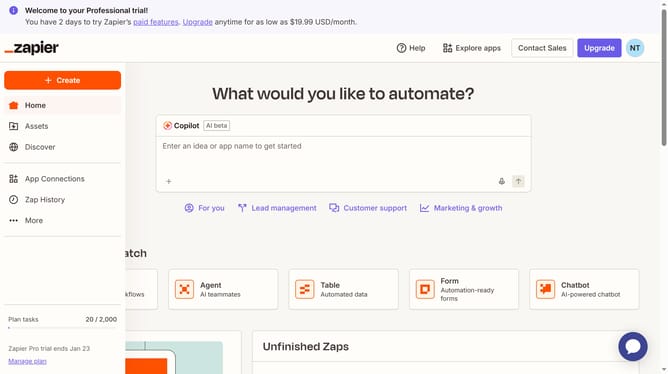
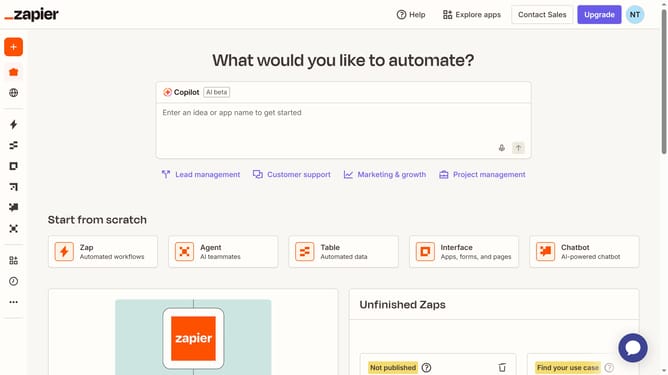
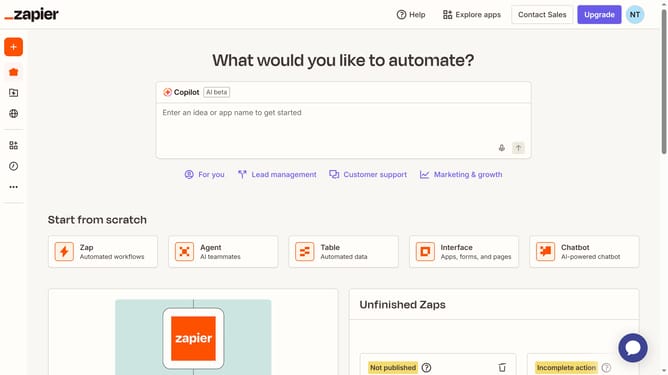
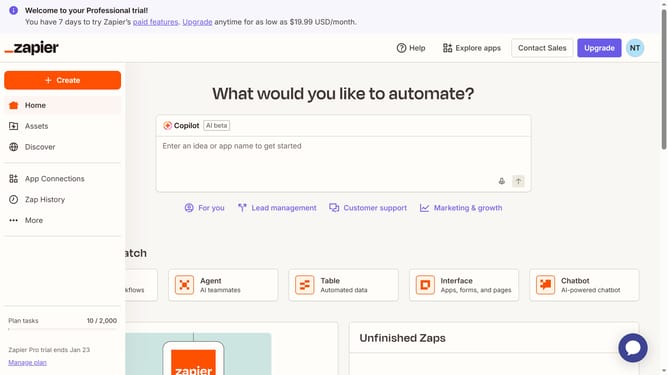
- First click on the "Create" button in the left sidebar
- Then select the "Tables" option from the dropdown menu
- Next click on the "Use a template" card in the screen
- Finally, select from the available template cards and click "Create table"
Why should you create table using a template in Zapier
Zapier is a powerful platform that automates tasks by connecting your apps and services seamlessly.
Creating a table using a template in Zapier simplifies data organization, enabling you to effortlessly arrange and manage data across various applications.
This feature helps streamline your workflow, making collaboration and data sharing across teams more efficient and effective.
By leveraging pre-designed templates, you save time, reduce manual errors, and focus more on strategic tasks, enhancing productivity.
Last update