How to use a table as a knowledge source in chatbot in Zapier
Here is how to use a table as a knowledge source in chatbot in zapier
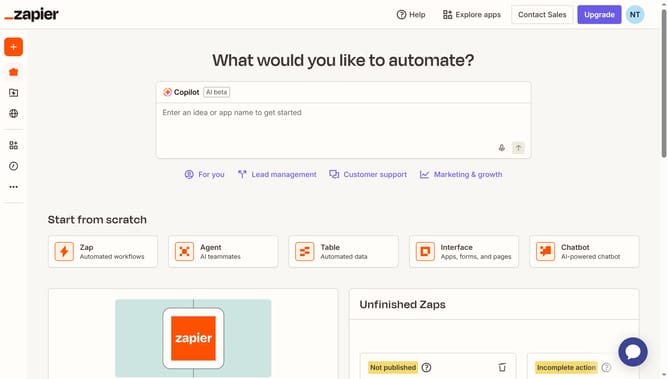
- First click on "Assets" in the left sidebar
- Then click on "Chatbots" in the left sidebar menu
- Next click on the chatbot you want to manage from the chatbots list
- Then click on "Knowledge" in the left sidebar under Build section
- Next click on "Add your first knowledge source" button
- Then click on the "Type" dropdown menu to view source type options
- Next select "Table" from the dropdown menu options
- Then click on the "Table" search field to find a table
- Next select an option from the table search results
- Then click on "Add source" button to confirm the table selection
- Finally click on "Save" button in the configure knowledge source settings dialog
Why should you use a table as a knowledge source in chatbot in Zapier
Zapier is a powerful automation tool designed to connect apps and streamline workflows with ease.
Using a table as a knowledge source in a Zapier chatbot enriches the bot's responses by providing consistent, up-to-date information. With tables, data remains organized, ensuring the chatbot delivers precise and relevant answers quickly.
This approach helps improve customer satisfaction by rapidly addressing queries with accuracy. Integrating tables reduces manual updates and enhances productivity by allowing seamless data integration into the chatbot's ecosystem.
Last update