How to manage date column timezone in a table in Zapier
Here is how to manage date column timezone in a table in zapier
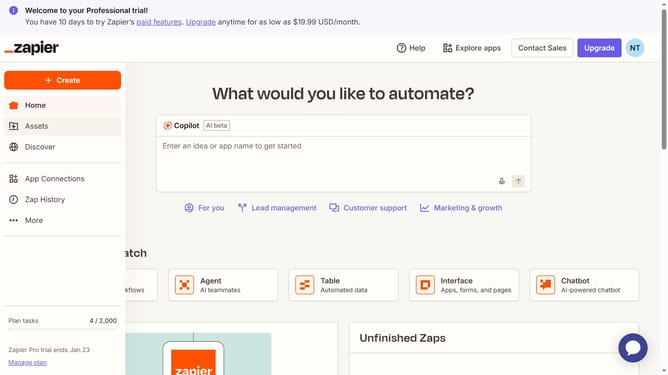
- First click on "Assets" in the left sidebar navigation menu
- Then click on "Tables" in the left sidebar navigation menu
- Next click on the link of the table you want to open
- Then click on the column header to open the column menu
- Next click on "Edit field" option in the dropdown menu
- Then click on the "Timezone" field and enter your preferred timezone
- Next select from the timezone dropdown list
- Finally click on the "Save" button to confirm the changes
Why should you manage date column timezone in a table in Zapier
Zapier is a powerful automation tool that connects your favorite apps to streamline workflows effortlessly.
Managing the date column timezone in a table within Zapier is a valuable feature that ensures accuracy and consistency across global operations. This feature allows users to harmonize time data, eliminating the confusion that arises from handling multiple time zones.
Correctly managing time zones improves collaboration among teams dispersed across regions and enhances the reliability of automated processes, providing seamless integrations and more efficient outputs.
Last update