How to change theme in chatbot in Zapier
Here is how to change theme in chatbot in zapier
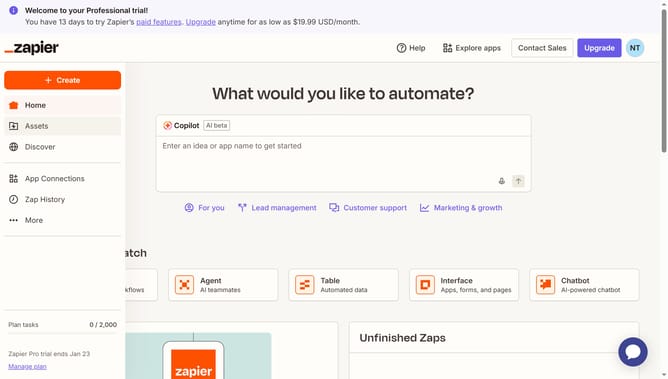
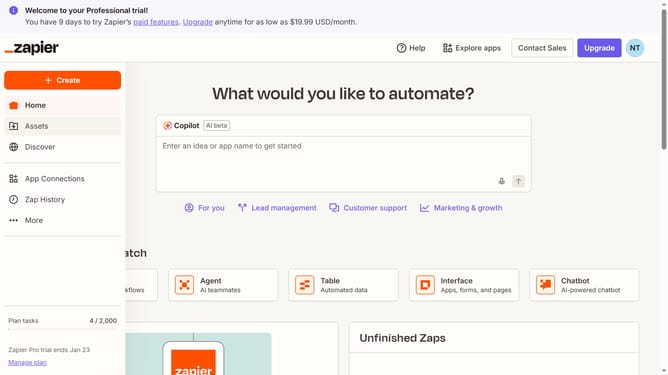
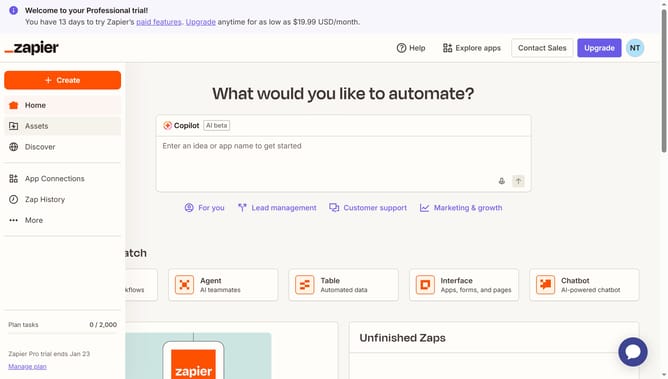
- First click on "Assets" in the left sidebar
- Then click on "Chatbots" in the left sidebar submenu
- Then click on the chatbot title that you like to manage from the list
- Then click on "Theme" in the left sidebar under the Build section
- Then scroll the page down to the app style section
- Then click on the "Theme" dropdown menu to expand theme options
- Then select your chosen theme from the Theme dropdown menu
- Finally click on "Save changes" button at the bottom of the form
Why should you change theme in chatbot in Zapier
Zapier empowers users to automate workflows by connecting apps seamlessly.
Changing the theme of your chatbot in Zapier is a feature that enhances user interaction by offering a personalized experience.
This customization allows businesses to align the chatbot's appearance with their brand identity, creating a cohesive look.
Ultimately, this feature helps in boosting engagement and maintaining a consistent brand presence across automated interactions.
Last update