How to view zap versions in Zapier
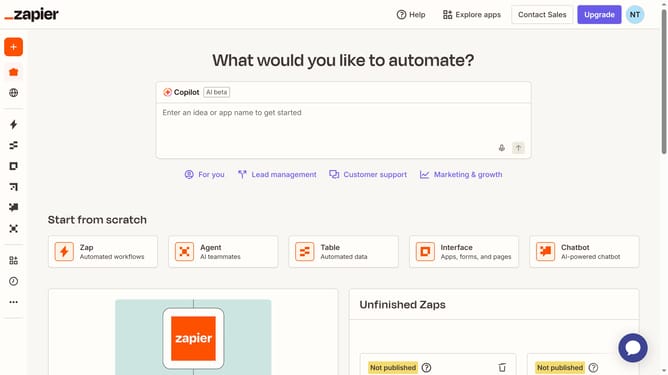
Here is how to view zap versions in zapier
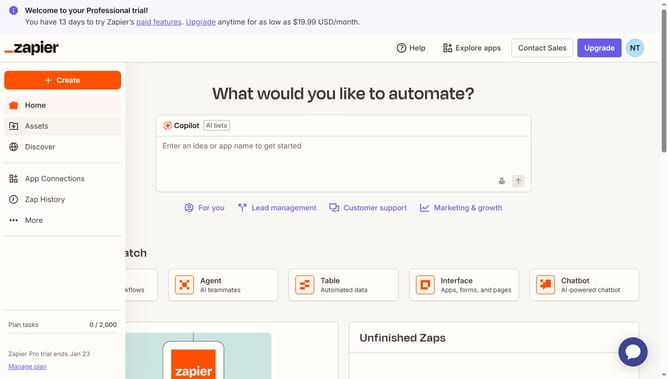
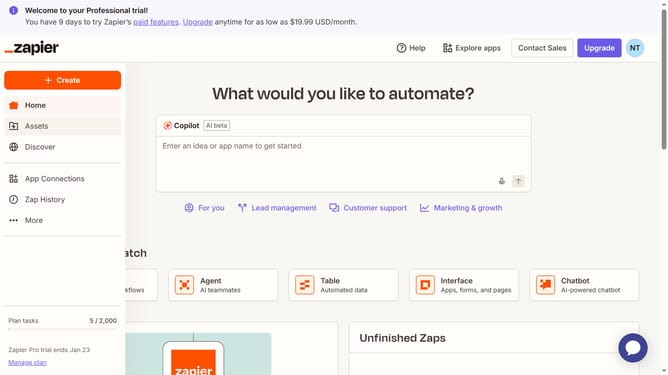
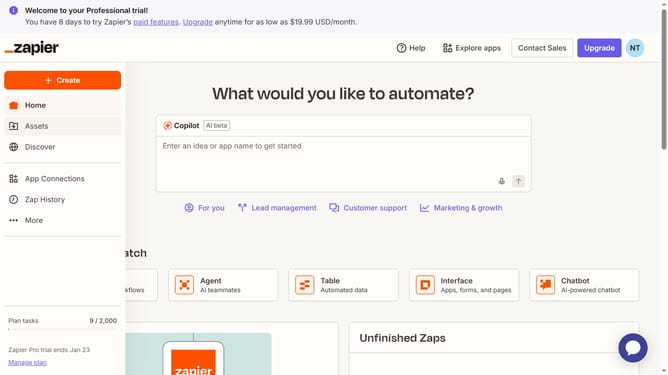
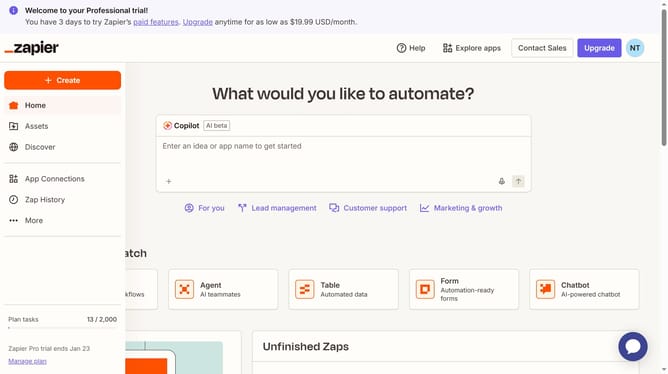
- First click on "Assets" in the left sidebar navigation menu
- Then click on "Zaps" in the left sidebar submenu under Assets
- Next click on the name of the zap you want to review in the main content area to open
- Finally click on "Versions" button in the left sidebar of the zap editor to see previous versions
Why should you view zap versions in Zapier
Zapier is a powerful automation tool designed to connect your favorite apps, streamlining your workflow effortlessly.
Viewing zap versions in Zapier allows you to track changes and updates easily, offering transparency in your automation processes.
This feature ensures you're always aware of your workflows' history, enabling you to troubleshoot issues swiftly and enhance reliability.
By reviewing zap versions, you can confidently experiment with new automations, knowing you can revert to previous versions if needed.
Last update