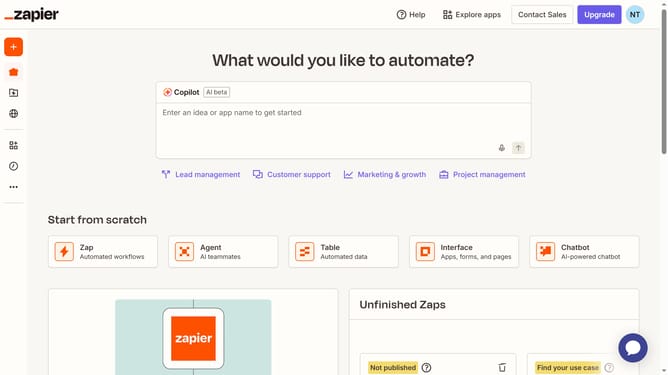
How to edit a column header in a table in Zapier
Here is how to edit a column header in a table in zapier
- First click on "Assets" link in the left sidebar
- Then click on "Tables" item in the left sidebar
- Next click on the link of the table you want to open from the tables list
- Then click on the column header to open the column menu
- Next click on "Edit field" option in the dropdown menu
- Then type the new column header name in the name input field
- Finally click on "Save" button to save the field changes
Why should you edit a column header in a table in Zapier
Zapier is an automation platform that seamlessly connects your favorite apps to streamline workflows effortlessly.
Editing a column header in a table in Zapier offers a straightforward way to personalize and organize your data to better fit your needs.
This feature enhances clarity by allowing you to modify headers, ensuring your tables reflect the purpose and context most effectively.
By updating column headers, you create a more intuitive interface that boosts efficiency and prevents confusion when managing data-driven tasks.
Last update