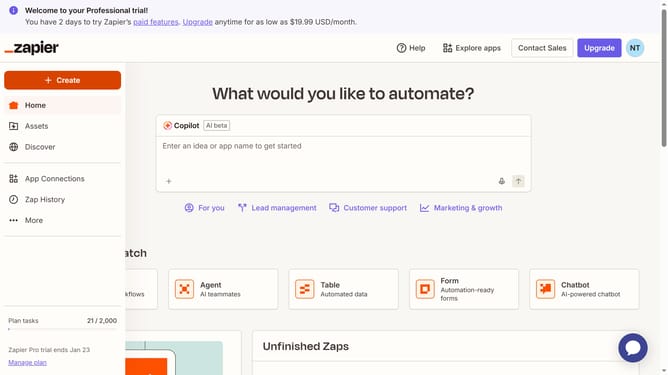
How to delete a table in Zapier
Here is how to delete a table in zapier
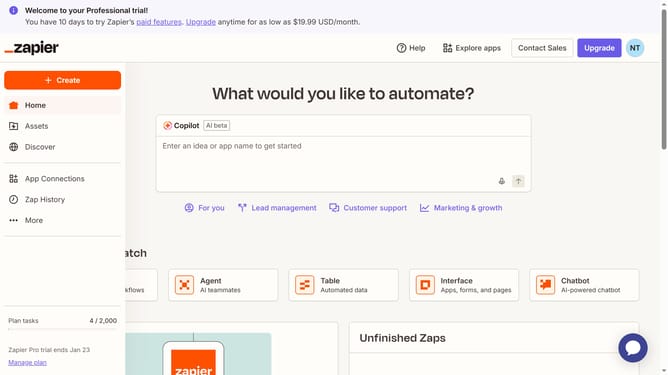
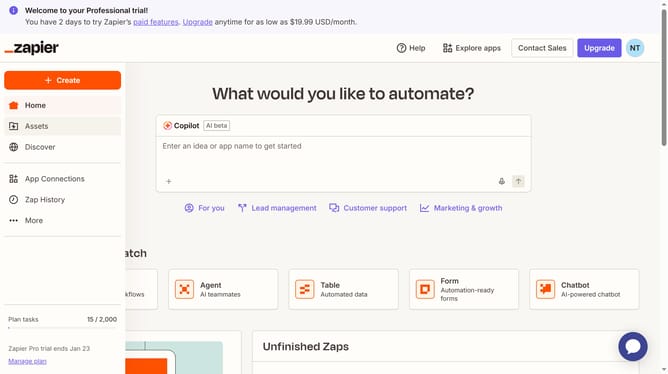
- First click on "Assets" link in the left sidebar
- Then click on "Tables" item in the left sidebar menu
- Next click on the three-dot menu button at the far right column of the table you want to delete
- Then click on "Rename" option from the dropdown menu
- Next click on the "Table name" input field and update the text
- Finally click on the "Save" button to confirm the rename
Why should you delete a table in Zapier
Zapier is a powerful automation platform that seamlessly connects your favorite apps to streamline workflows.
Removing a table within Zapier's environment simplifies data management, ensuring your automation processes remain clean and efficient. By quickly deleting obsolete or redundant tables, you maintain an organized dataset that enhances performance.
This feature supports a clutter-free workspace, allowing you to focus on what truly matters—optimizing your business operations without unnecessary distractions.
Last update