How to turn on a zap in the free plan in Zapier
Here is how to turn on a zap in the free plan in zapier
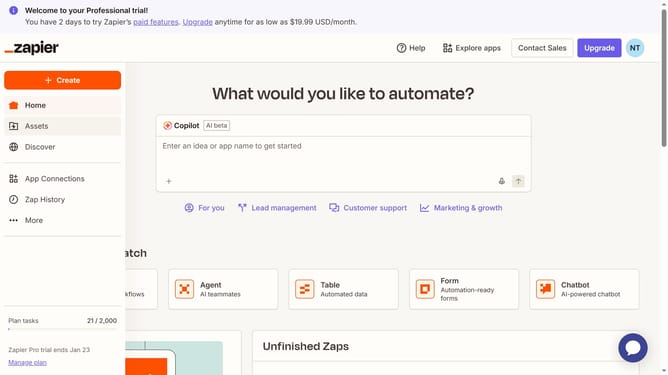
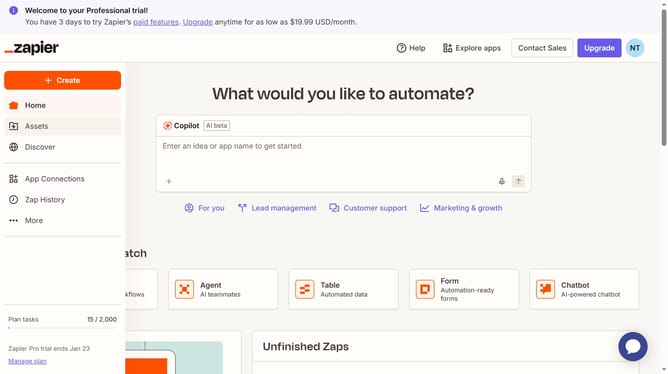
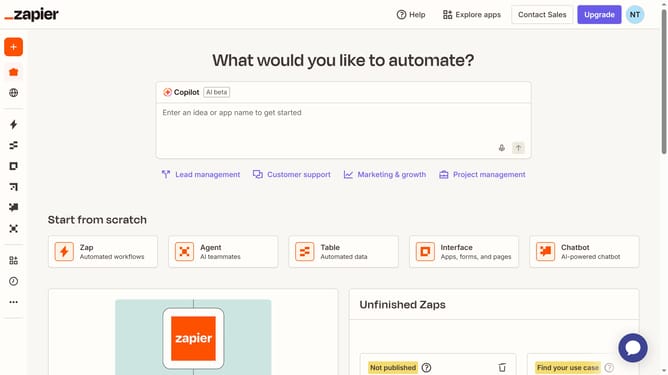
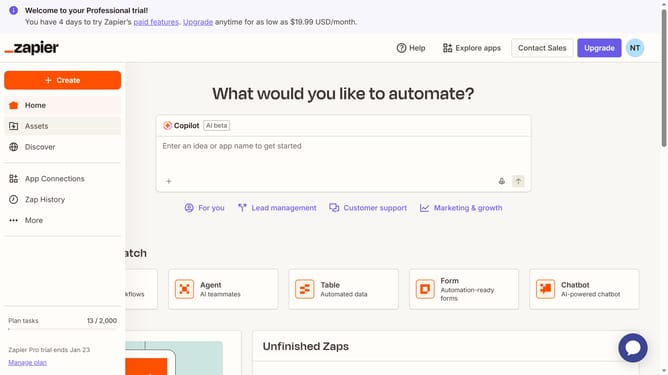
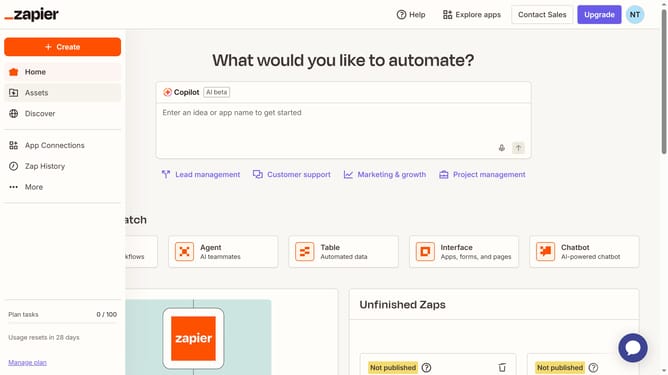
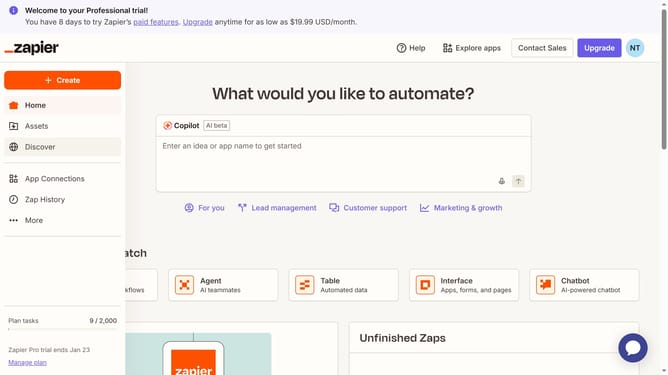
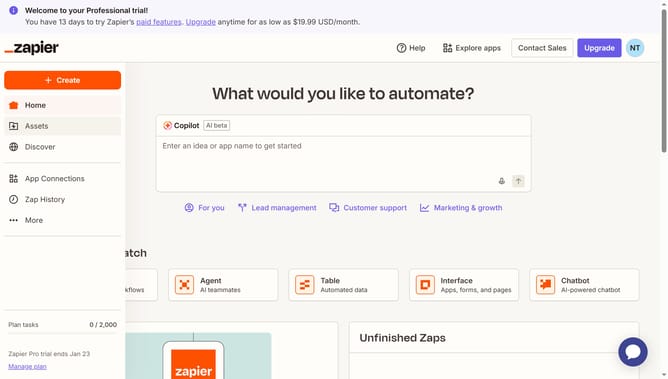
- First click on the "Copilot" input field in the automation creation section to begin entering your automation idea
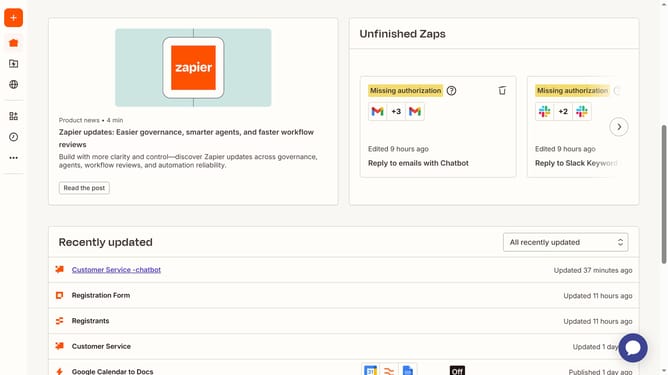
- Then click on the Zap title to open it
- Finally toggle the switch to turn it on.
Why should you turn on a zap in the free plan in Zapier
Zapier is a powerful tool designed to automate your tasks by connecting various apps seamlessly.
With the free plan, turning on a zap helps streamline your workflows without any cost, making repetitive tasks a thing of the past.
Activating a zap enables you to save time and enhance productivity by automating manual processes within your desired applications.
Embrace simplicity and efficiency as you make the most of the free plan, leveraging automation to focus on what truly matters.
Last update