How to create chatbots in Zapier
Here is how to create chatbots in zapier
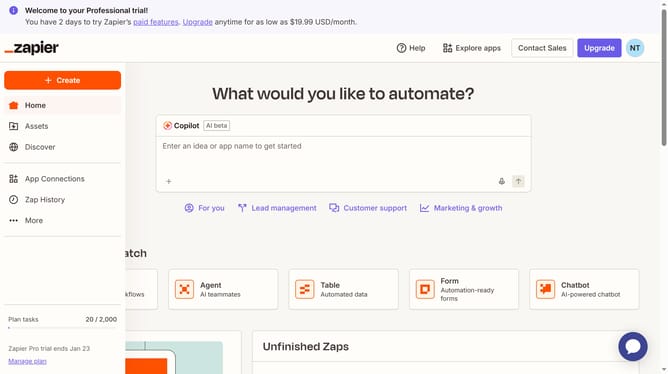
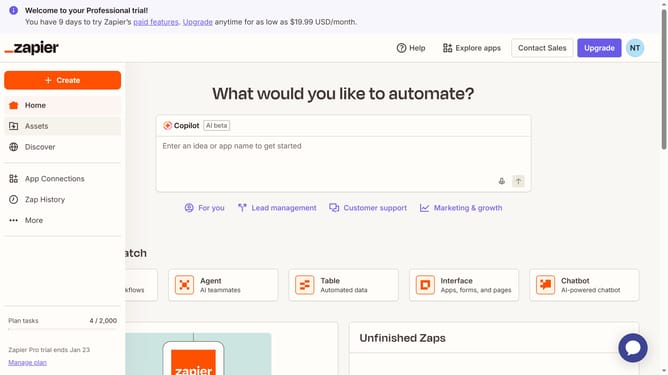
- First click on the "Create" button in the left sidebar
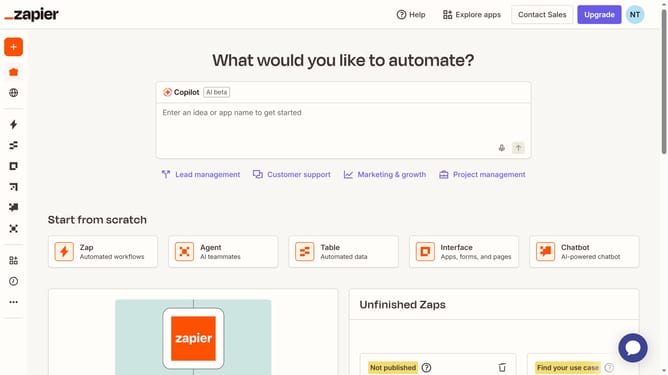
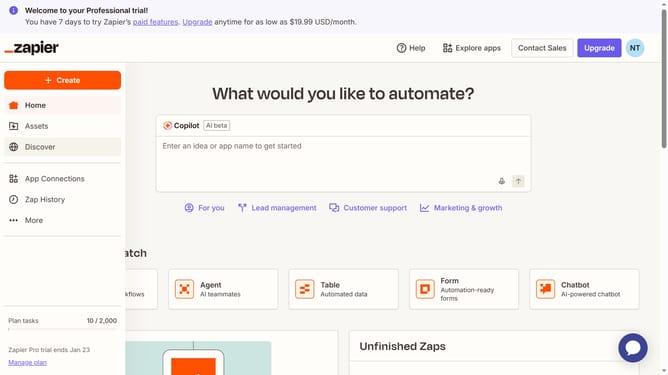
- Then select "Chatbots" option from the dropdown menu
- Next click on the "Name" text field and enter the chatbot name
- Then click on the "Create" button to create the chatbot
- Finally click anywhere on the screen view the chatbot interface
Why should you create chatbots in Zapier
Zapier is a powerful automation tool that connects your favorite apps, streamlining your workflows with ease.
Creating chatbots in Zapier is remarkably simple and enhances customer interaction by automating conversational tasks.
This feature allows for seamless communication, responding efficiently to inquiries and saving valuable time.
By leveraging Zapier for chatbot creation, businesses can ensure consistent support while freeing teams to focus on high-value activities.
Last update