How to manage phone number format in a table in Zapier
Here is how to manage phone number format in a table in zapier
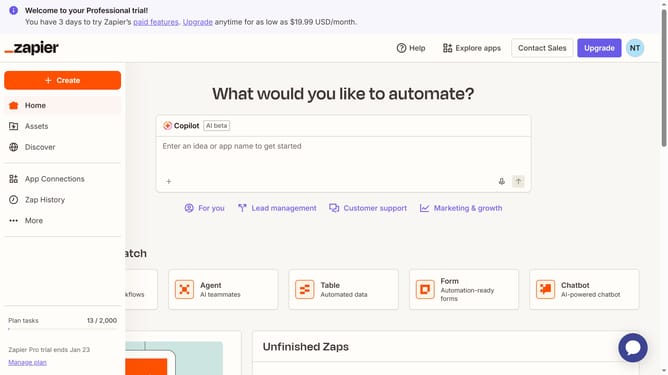
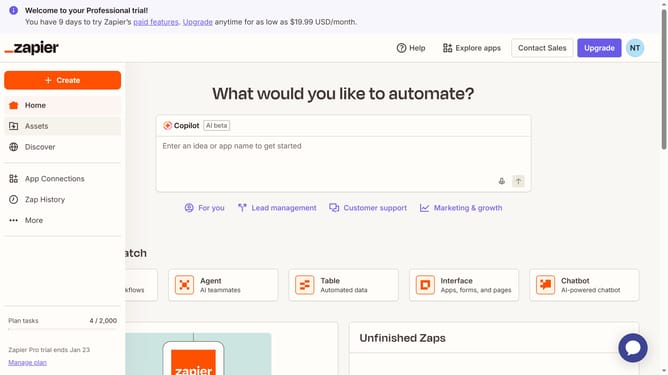
- First click on the "Assets" link in the left sidebar navigation menu
- Then click on the "Tables" option in the left sidebar menu
- Next click on the table name in the main content area
- Then click on the column header to open the field menu
- Next click on the "Edit field" option in the dropdown menu
- Then click on the "Format" dropdown field in the settings panel
- Next select a format option from the dropdown menu
- Finally click on the "Save" button at the bottom of the settings panel
Why should you manage phone number format in a table in Zapier
Zapier seamlessly automates workflows by connecting your favorite apps.
Managing phone number formatting in a table within Zapier is straightforward and effective. This feature ensures consistency in your data, making interactions and integrations smoother. By standardizing phone formats, you eliminate confusion and errors, leading to more professional communication.
Using this feature reduces manual work and enhances data accuracy. It allows you to focus on what truly matters—making informed decisions with clean, organized data at your fingertips.
Last update