How to delete a knowledge source in chatbot in Zapier
Here is how to delete a knowledge source in chatbot in zapier
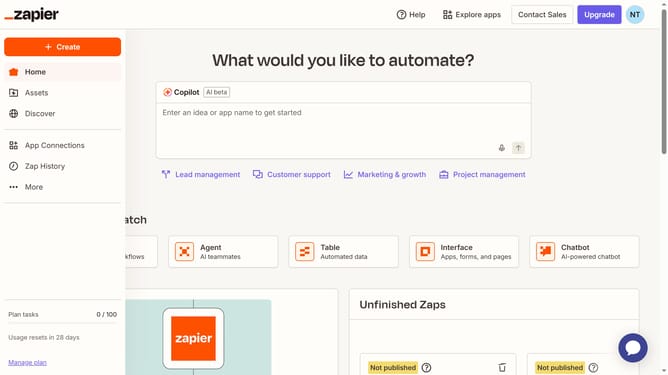
- First click on "Assets" in the left sidebar navigation menu
- Then click on "Chatbots" in the left sidebar under the Assets section
- Next click on the chatbot link in the chatbots list
- Then click on "Knowledge" in the left sidebar under the Build section
- Next click on the three-dot menu button for the "newdocument" knowledge source
- Then click on "Delete" option from the dropdown menu
- Finally click on "Delete" button in the confirmation dialog to confirm deletion
Why should you delete a knowledge source in chatbot in Zapier
Zapier is a dynamic automation platform that connects your favorite apps and optimizes workflows seamlessly.
One notable feature is the ability to delete a knowledge source in a chatbot, making maintenance and updates efficient.
This feature ensures your chatbot delivers relevant, current information without the clutter of outdated data.
By streamlining the information flow, it promotes better customer interactions and enhances user experience, aligning perfectly with business needs for precision and clarity.
Last update