How to duplicate chatbots in Zapier
Here is how to duplicate chatbots in zapier
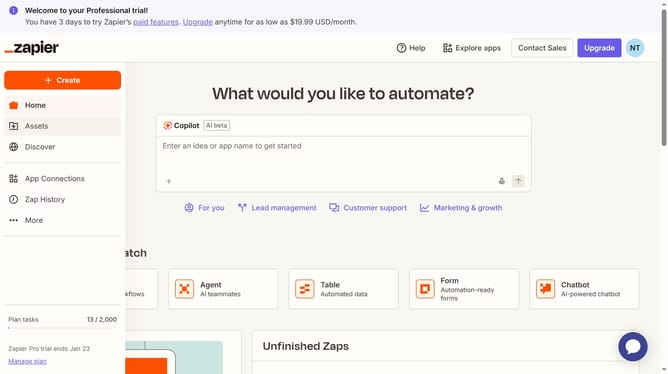
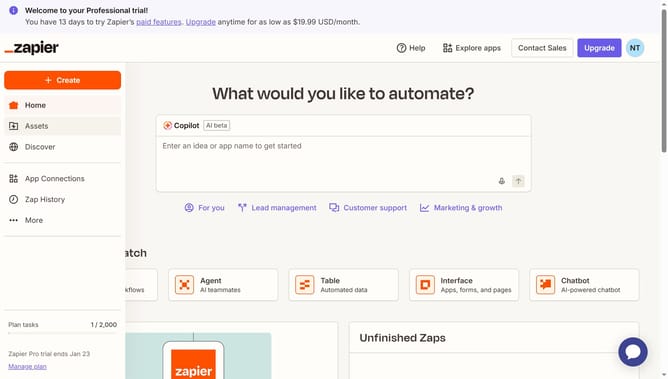
- First click on "Assets" in the left sidebar navigation menu
- Then click on "Chatbots" in the left sidebar under the Assets section
- Next click on the three dots icon in the chatbot row that you want to duplicate
- Finally click on "Duplicate" option from the dropdown menu
Why should you duplicate chatbots in Zapier
Zapier is a powerful automation tool designed to connect and streamline your apps and workflows effortlessly.
Duplicating chatbots with Zapier enables you to create consistent and scalable customer interactions without reinventing the wheel each time.
This feature is incredibly useful for businesses looking to maintain uniformity in communication while rolling out updates or launching new campaigns quickly.
Overall, leveraging this functionality saves time and ensures seamless, efficient expansion of your chatbot capabilities.
Last update