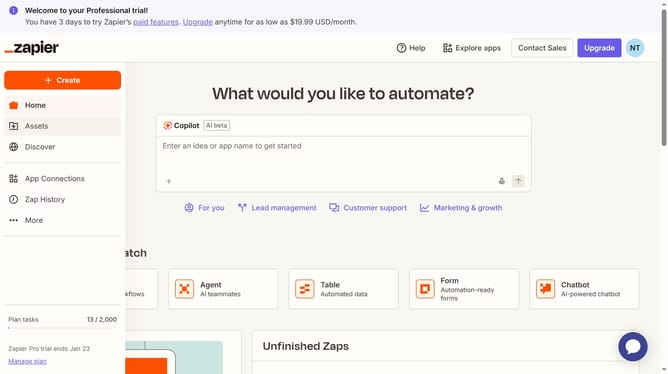
How to rename tables in Zapier
Here is how to rename tables in zapier
- First click on "Assets" link in the left sidebar
- Then click on "Tables" item in the left sidebar menu
- Next click on the options menu button or the three dots on the far right of the table you want to rename
- Then click on "Rename" option from the dropdown menu
- Next click on the "Table name" input field and update the text
- Finally click on the "Save" button to confirm the rename
Why should you rename tables in Zapier
Zapier is a powerful automation platform that connects your favorite apps to streamline workflows effortlessly.
One standout feature is its ability to rename tables, offering enhanced organization within your data management processes. This feature allows users to maintain clarity and consistency across their automated tasks.
Renaming tables in Zapier significantly helps in identifying data sources more intuitively, ultimately leading to improved efficiency in managing complex workflows.
By keeping tables aptly named, users reduce errors, track data seamlessly, and ensure smooth operations across different integrations.
Last update