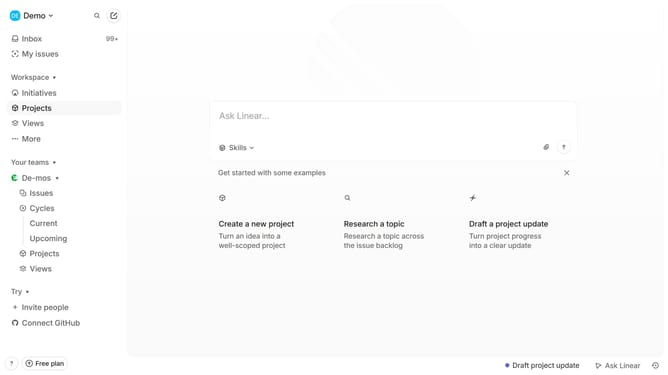
How to add columns on tables to documents in a project on Linear
Here is how to add columns on tables to documents in a project on linear
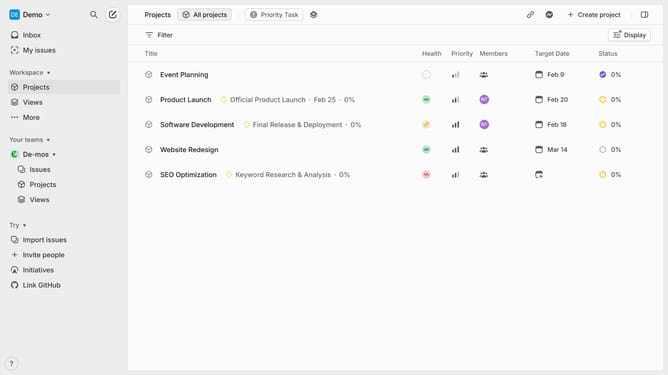
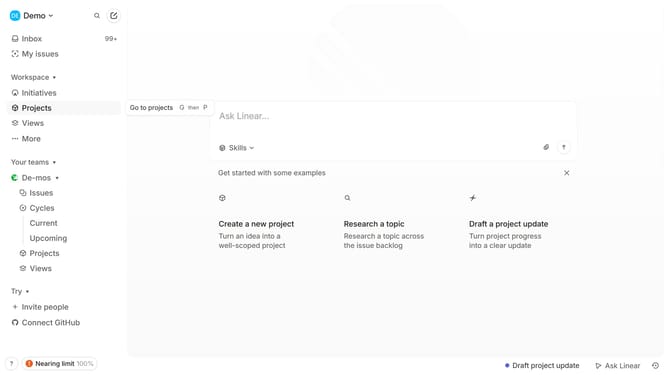
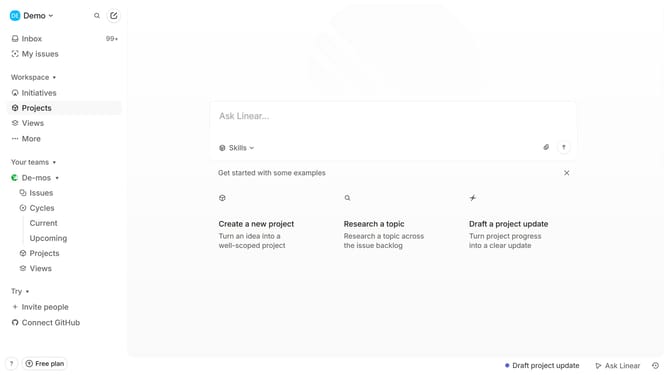
- First click on "Projects" item in the left sidebar
- Then click on the project from the list
- Then click on the document link in the Resources section
- Then click on the table to view options
- Finally, click on the "Add column" button to add column
Why should you add columns on tables to documents in a project on Linear
Linear is a robust project management tool designed to streamline workflows and enhance team productivity.
Adding columns to tables in documents within Linear provides flexibility and organization to any project. This feature allows users to tailor data presentation according to specific needs, ensuring clarity and precision.
By structuring information with added columns, teams can easily track progress, assign tasks, and collaborate effectively. This enhances communication and ensures everyone stays on the same page, elevating project success.
Last update