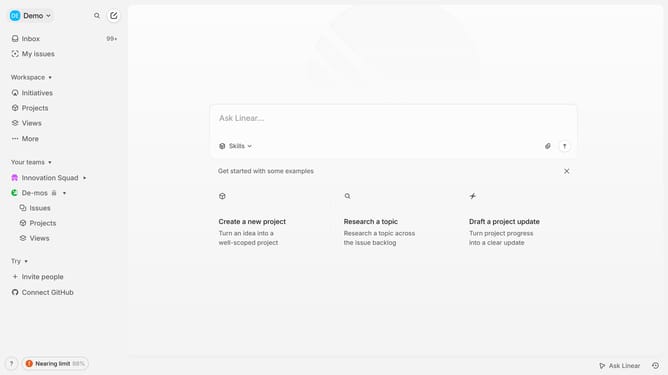
How to create an issue templates on Linear
Here is how to create an issue templates on linear
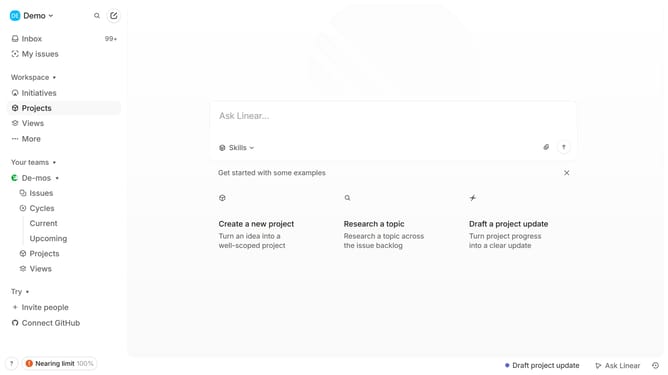
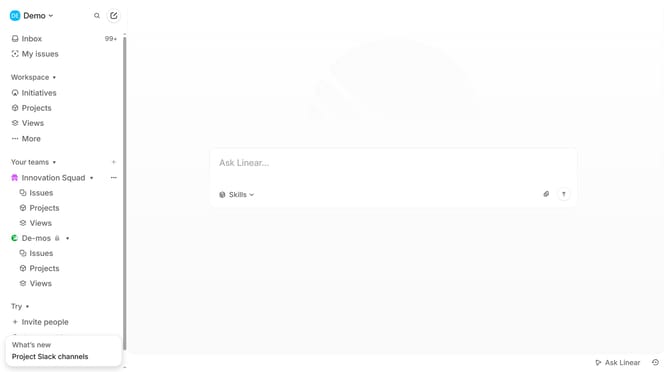
- First click on the "Demo" dropdown in the header
- Then click on "Settings" in the sidebar menu
- Next, click on "Templates" to navigate to the templates section
- Then click on the "+" button to create a new template
- After that, click on the "Standard" template option
- Then, type "Template name" into the template name input field
- Then click on the "Issue title" input field to start adding the issue title
- Next, click on the description input field to add a description for the issue
- Finally, click on the "Create" button to save the template
Why should you create an issue templates on Linear
Linear is a streamlined project management tool designed to help teams efficiently track and manage tasks.
Creating issue templates in Linear allows teams to standardize their processes, ensuring consistency across projects. This feature is particularly beneficial for teams dealing with repetitive tasks and complex projects, as it saves valuable time and prevents potential misunderstandings.
By utilizing these templates, teams can enjoy a smoother workflow, which enhances productivity and collaboration, making it easier for everyone to stay on the same page.
Last update