How to add attachments to an issue on Linear
Here is how to add attachments to an issue on linear
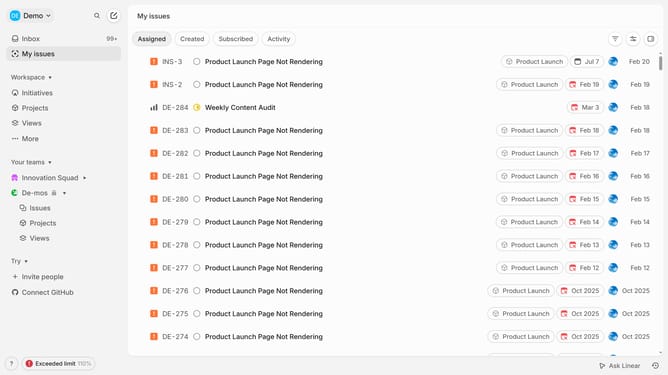
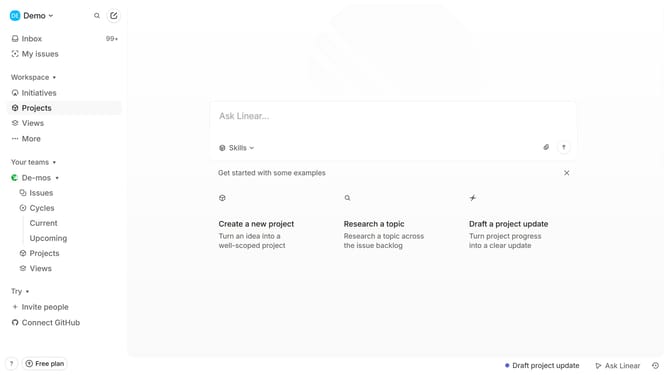
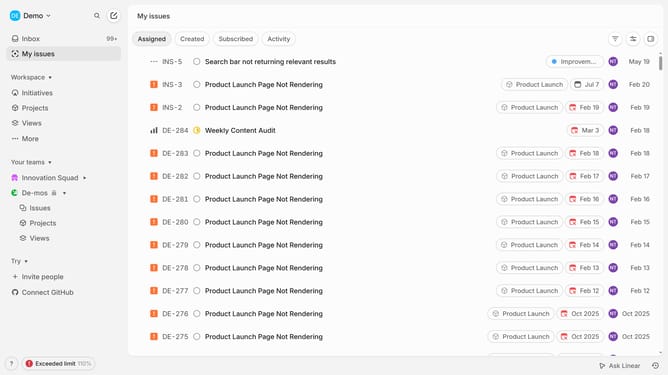
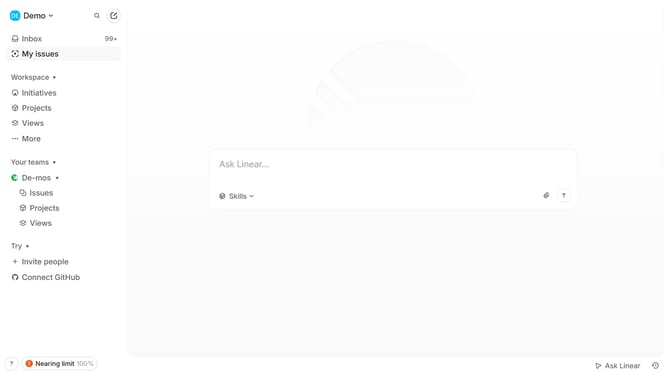
- First click on "My issues" in the left sidebar
- Then click on the issue that you want to manage
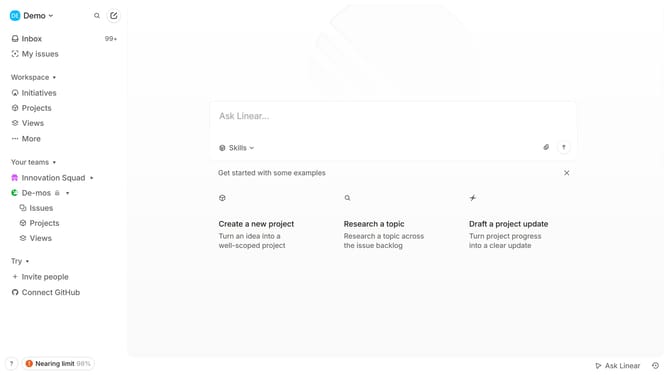
- Finally click on the paperclip icon to attach a file
Why should you add attachments to an issue on Linear
Linear is a streamlined tool designed to enhance project management and team collaboration.
One of the standout features of Linear is the ability to add attachments to an issue. This functionality allows team members to effortlessly share important documents, screenshots, or relevant files, enhancing the clarity and context of each issue.
Utilizing attachments in Linear fosters more informed decision-making and efficient problem-solving, ensuring that all team members have access to the necessary resources to drive projects forward effectively.
By centralizing all related materials within an issue, teams can reduce miscommunication, enhance transparency, and streamline workflows, ultimately boosting productivity and project success.
Last update