How to delete a team label in Linear
Here is how to delete a team label in linear
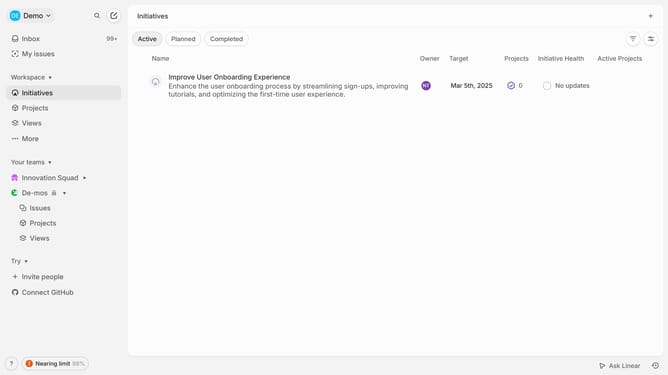
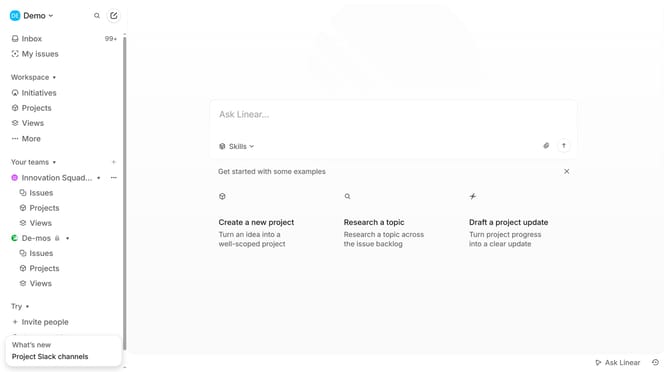
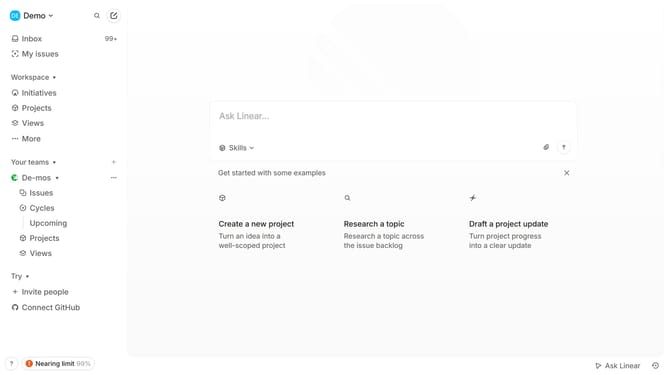
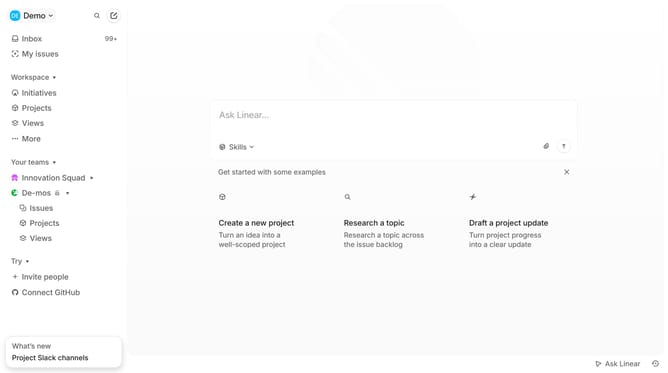
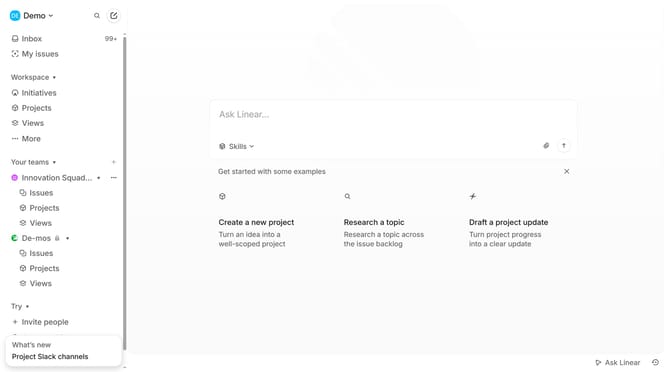
- First click on the 'three dots' menu icon in the sidebar
- Then click on the "Team settings" option in the dropdown menu
- Next, click on the "Issue labels" section
- Click on the 'three dots' menu icon next to the label you want to manage
- Finally click on the "Delete" option in the context menu
Why should you delete a team label in Linear
Linear is an intuitive project management tool designed to streamline workflows and enhance team productivity.
An essential feature of Linear is the ability to delete a team label, ensuring project spaces remain organized and relevant.
By removing outdated or unnecessary labels, teams can quickly adapt and focus on current priorities, avoiding clutter.
This enhances visibility and efficiency, fostering a clear and structured collaborative environment.
Last update