How to change a team identifier in Linear
Here is how to change a team identifier in linear
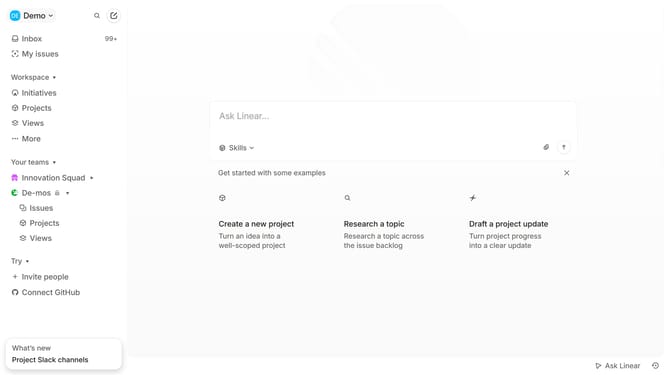
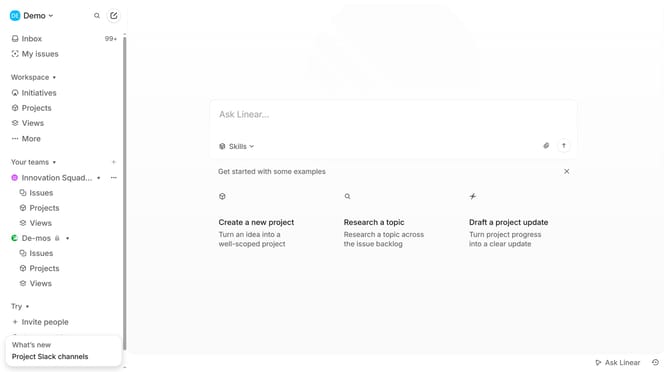
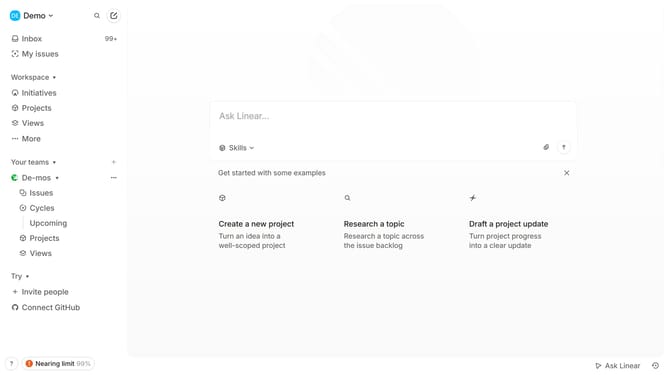
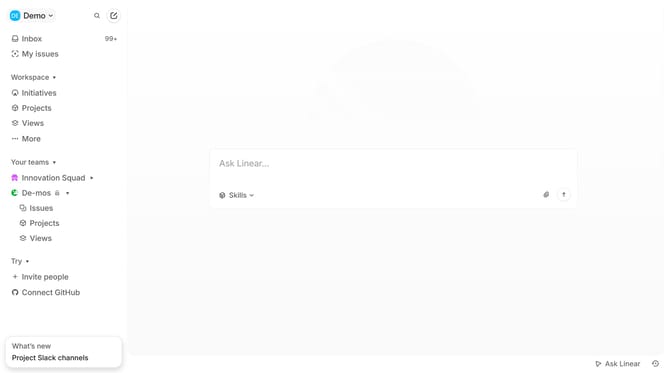
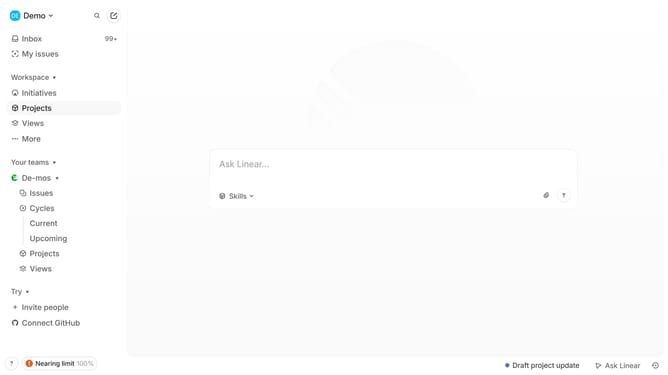
- First click on the three dots menu next to the team you want to manage in the left sidebar
- Then click on "Team settings" from the opened menu.
- Next, click on "General" in the next page
- After that, click on the text field for identifier
- Finally, type the new identifier into the identifier field
Why should you change a team identifier in Linear
Linear is a sleek project management tool designed to streamline team workflows and elevate productivity.
Changing a team identifier in Linear is a straightforward process that offers flexibility and enhances organizational clarity.
Using this feature, teams can rename identifiers to reflect evolving project goals or team structures, ensuring project tracking remains intuitive and aligned with real-time changes.
This adaptability empowers teams to maintain a consistent, cohesive workflow, keeping everyone on the same page.
Last update