How to archive team label in Linear
Here is how to archive team label in linear
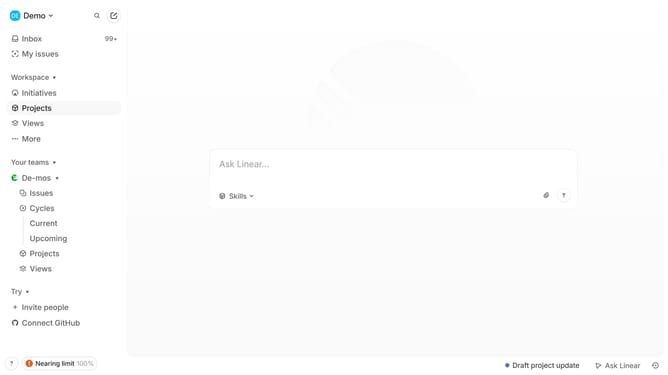
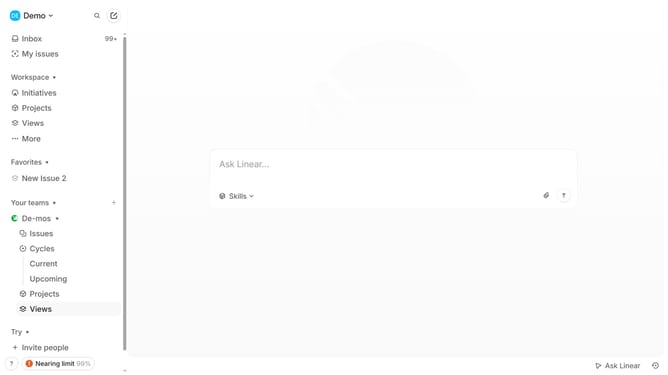
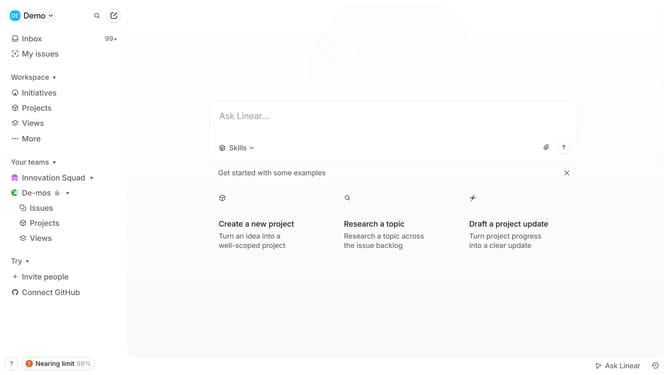
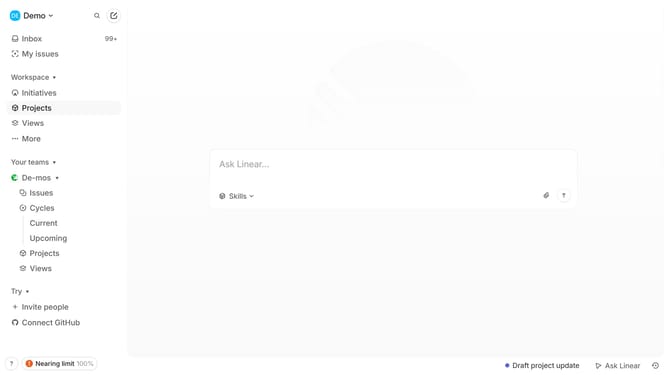
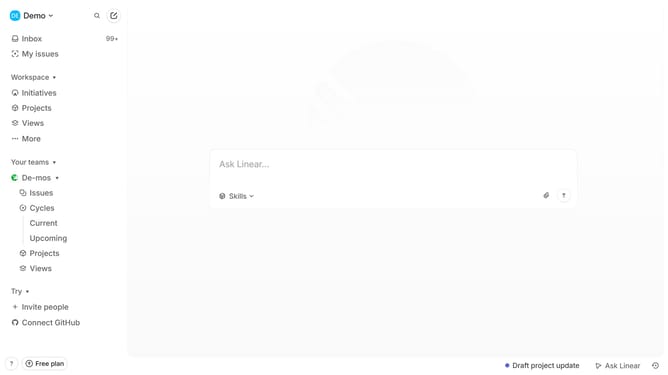
- First click on the three dots icon next to the team name in the left sidebar
- Then click on "Team settings" from the dropdown menu
- Next click on "Issue labels" in the "Issues, projects, and docs" section
- After that click on the three dots icon
- Finally click on "Archive..." in the dropdown menu
Why should you archive team label in Linear
Linear is a streamlined tool designed for efficient, collaborative project management.
The ability to archive team labels in Linear offers a straightforward way to maintain clarity and focus in your workflow.
Archiving team labels helps declutter active views by removing outdated or less relevant markers without losing historical data.
This feature enables teams to improve organization, allowing them to focus on current and actionable tasks.
Last update