How to delete milestones on Linear
Here is how to delete milestones on linear
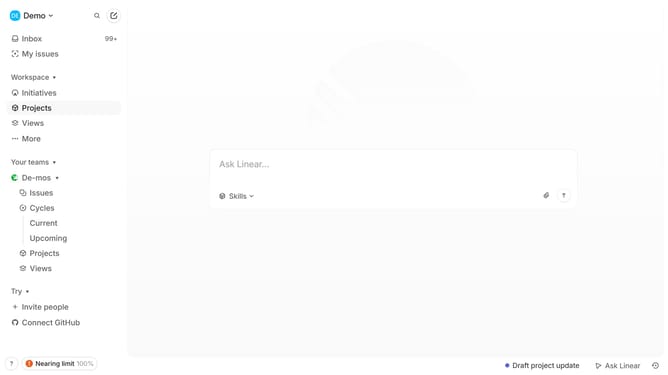
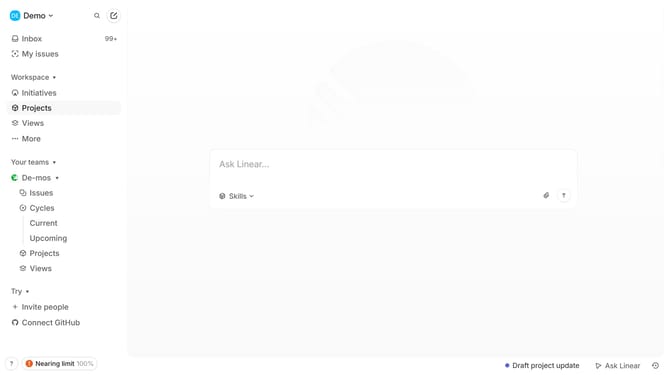
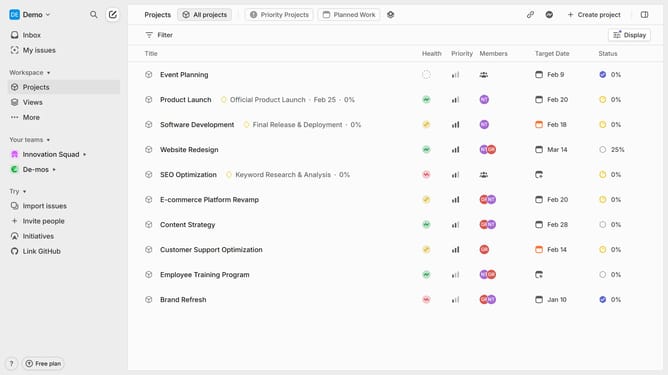
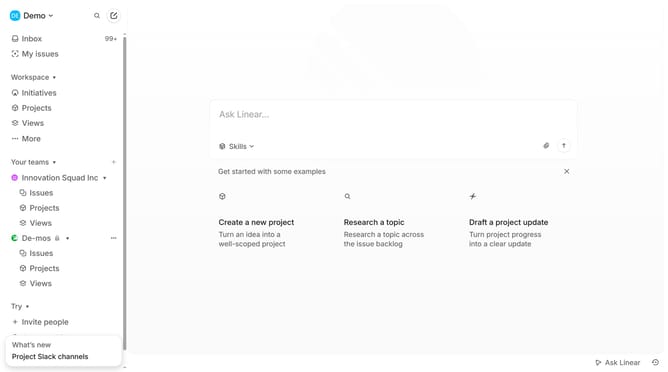
- First click on "Projects" item in the sidebar
- Then click on the project that you want to manage
- Next click on the more options button for the milestone
- Finally click on the "Delete" option
Why should you delete milestones on Linear
Linear is a powerful tool designed for streamlined project management and enhanced team productivity.
One useful feature is the ability to delete milestones, which contributes to maintaining a clear and current workflow. This ensures that your team can focus on the most relevant goals without being distracted by outdated or redundant milestones.
Utilizing this feature allows for greater flexibility and adaptability in project planning, ensuring that your team can swiftly respond to changes and prioritize tasks effectively. This results in a more organized environment where productivity thrives.
Last update