How to make a team as public in Linear
Here is how to make a team as public in linear
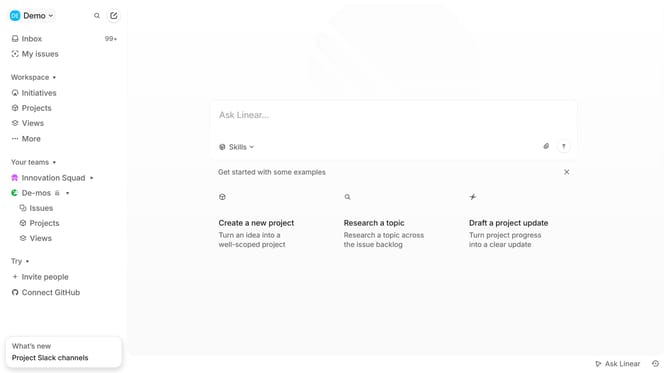
- First click on the three dots icon next to team name in the left sidebar
- Then click on "Team settings" in the dropdown menu
- Next, click on "Access and permissions" in the team settings page
- After that, click on the dropdown in the "Visibility" section
- Then select "Public - all workspace members" from the dropdown menu
- Continue by typing "make team public" into the confirmation input field
- Finally click on the "Make public" button
Why should you make a team as public in Linear
Linear is a sleek and intuitive platform designed to enhance project management and streamline team collaboration.
Making a team public in Linear means opening up visibility and accessibility to team information and progress across the organization.
By transforming a team to public status, transparency is fostered, enhancing accountability and encouraging wider participation.
This feature is particularly beneficial for maintaining coherence and ensuring that everyone is aligned with team objectives, regardless of their department.
Last update