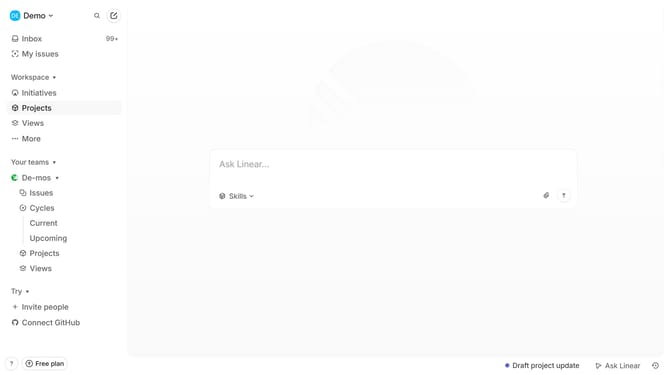
How to enable email notifications for reminders and deadlines in Linear
Here is how to enable email notifications for reminders and deadlines in linear
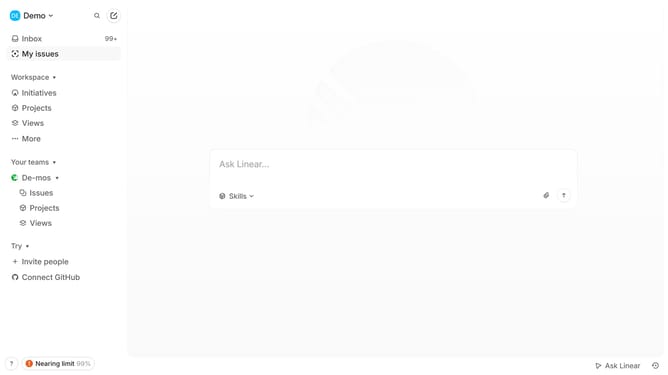
- First click on the "Demo" dropdown in the header
- Then click on the "Settings" option in the dropdown menu
- Next, in the left sidebar, click on "Notifications"
- Then, in the main content area, click on the "Email" setting
- Finally, locate and click on the toggle switch ON for "Reminders and deadlines"
Why should you enable email notifications for reminders and deadlines in Linear
Linear is a streamlined project management tool designed to enhance team productivity and workflow efficiency.
Enabling email notifications for reminders and deadlines in Linear ensures that you never miss a critical task or deadline. This feature keeps your projects on track by sending timely alerts directly to your inbox, allowing you to focus on what truly matters without the fear of overlooking important deadlines.
By utilizing email notifications, you enhance communication and accountability within your team, fostering a structured and more organized project environment.
Last update