How to enable mobile app notifications on Linear app reactions on Linear
Here is how to enable mobile app notifications on linear app reactions on linear
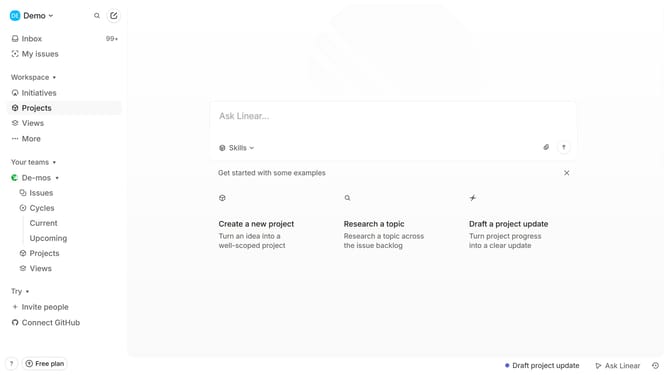
- First click on the "Demo" dropdown in the header
- Then click on "Settings" in the sidebar
- Next, click on "Notifications" in the sidebar
- Then click on the "Mobile" option in the sidebar
- Finally, click on the toggle switch next to "Reactions" in the main content area
Why should you enable mobile app notifications on Linear app reactions on Linear
Linear is a streamlined tool designed to enhance project management and team collaboration.
Enabling mobile app notifications for Linear app reactions ensures you stay connected with your team's pulse, effortlessly enhancing communication efficiency.
Utilizing this feature allows immediate awareness of team feedback, making project adjustments timely and effective.
It empowers users to engage proactively, fostering a more cohesive and responsive team environment.
Last update