How to enable email notifications for apps and integrations in Linear
Here is how to enable email notifications for apps and integrations in linear
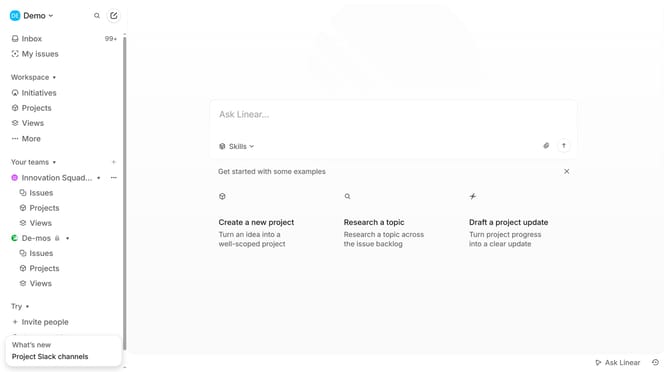
- First click on the "Demo" dropdown in the header
- Then click on "Settings" option from the dropdown menu
- Next, select "Notifications" from the sidebar menu
- Then click on the "Email" section under notifications
- Finally, click on the toggle ON switch for "Apps and integrations"
Why should you enable email notifications for apps and integrations in Linear
Linear is a streamlined tool designed to enhance your team’s workflow by optimizing project management.
Enabling email notifications for apps and integrations in Linear ensures that you never miss an important update. This feature keeps you well-informed, enhancing coordination among team members by delivering real-time updates directly to your inbox.
By having notifications sent via email, you benefit from instant updates without needing to constantly check the app, making your workflow more efficient and reducing response time on project tasks.
Last update