How to disable mobile app notifications on Linear app subscriptions on Linear
Here is how to disable mobile app notifications on linear app subscriptions on linear
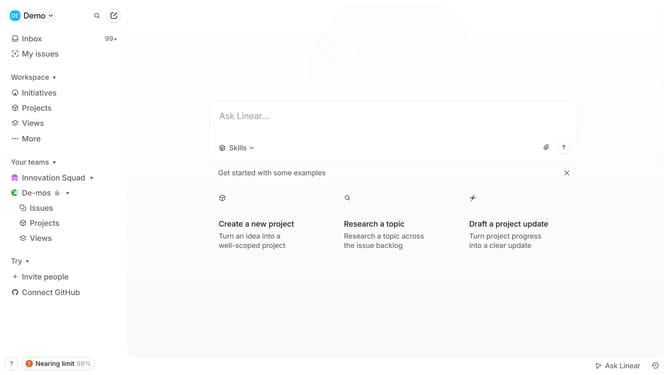
- First, click on the "Demo" dropdown in the header.
- Then, click on the "Settings" link in the sidebar.
- Next, click on the "Notifications" option in the sidebar.
- After that, click on the "Mobile" notification channel in the sidebar.
- Finally, click on the toggle switch for "Subscriptions" to disable it.
Why should you disable mobile app notifications on Linear app subscriptions on Linear
Linear is a streamlined platform designed to optimize project management and workflow efficiency.
Disabling mobile app notifications for Linear app subscriptions provides users with the flexibility to focus on what matters most without constant interruptions. This feature caters to the need for uninterrupted work sessions, enabling users to retain their productivity.
By managing notifications effectively, users can prioritize their tasks, thereby ensuring a balanced work environment while still staying updated when necessary.
Last update