How to unassign an Linear app issue on Linear
Here is how to unassign an linear app issue on linear
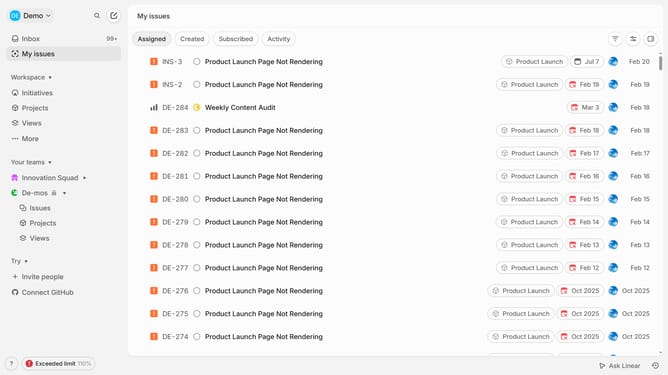
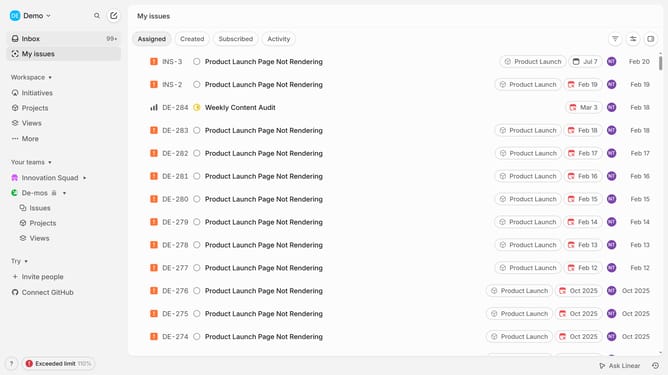
- First click on "My issues" in the left sidebar
- Then click on the issue that you want to manage
- Next, click on the assignee name in the right panel
- Finally, click on "No assignee" to unassign the issue
Why should you unassign an Linear app issue on Linear
Linear is a streamlined project management tool designed to enhance team productivity and efficiency.
The feature to unassign an issue in Linear is incredibly beneficial, allowing teams to seamlessly reallocate tasks.
Unassigning an issue ensures that if priorities change or workloads shift, tasks can be easily reassigned. This not only keeps the workflow organized but also empowers team members to focus on tasks where they can provide the most value.
By effectively managing assignments, the team can maintain momentum without bottlenecks, improving overall productivity.
Last update