How to convert milestones to projects on Linear
Here is how to convert milestones to projects on linear
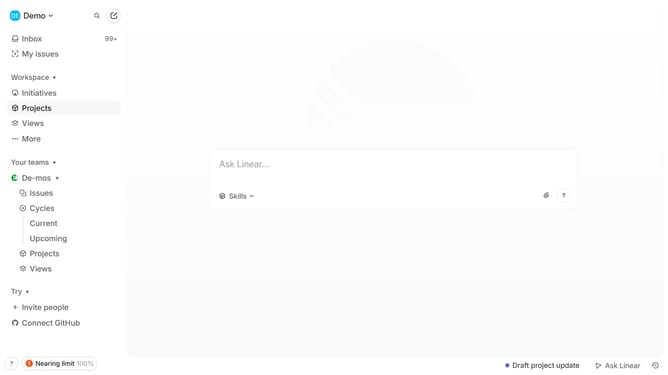
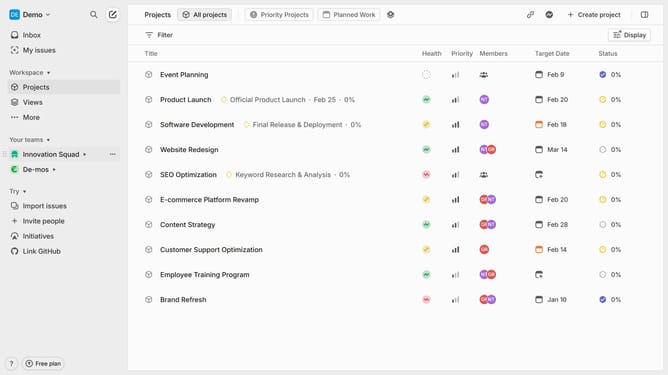
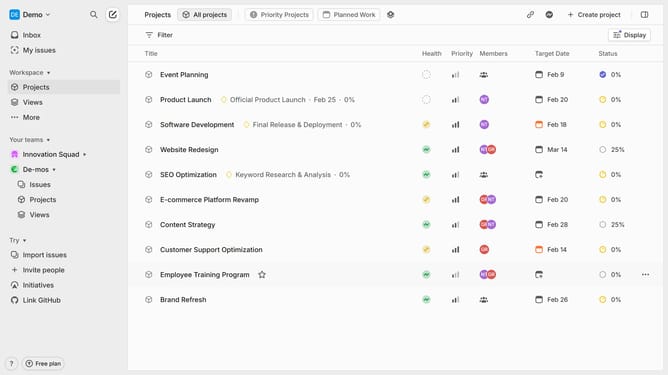
- First in your workspace navigate to "Projects" from the left sidebar
- Then select the project that has the milestone you want to convert into a project
- Next in the properties panel, click on the three-dot menu (...) next to the milestone name
- Click on the "Convert to project" option in the milestone's context menu
- Before confirming, you will have the option to edit the milestone's title, description, priority, and other details as needed
- Finally, click "Create project" to proceed
- Your milestone has been successfully converted into a project
Why should you convert milestones to projects on Linear
Linear is a streamlined tool designed to enhance team productivity and project management.
Transforming milestones into projects on Linear provides a structured way to manage broader objectives seamlessly. This feature allows teams to break down major goals into actionable tasks, offering a clear path toward completion.
Using this conversion feature ensures that all parts of a project are adequately tracked and managed, enhancing collaboration and focus. It's an efficient way to ensure nothing falls through the cracks, fostering a more united and productive team effort.
Last update