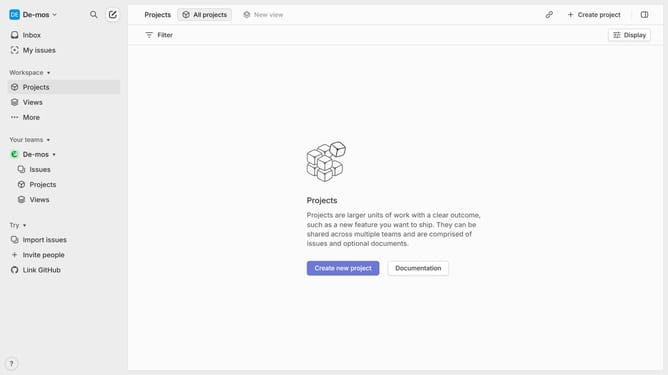
How to filter Linear app issues by creator on Linear
Here is how to filter linear app issues by creator on linear
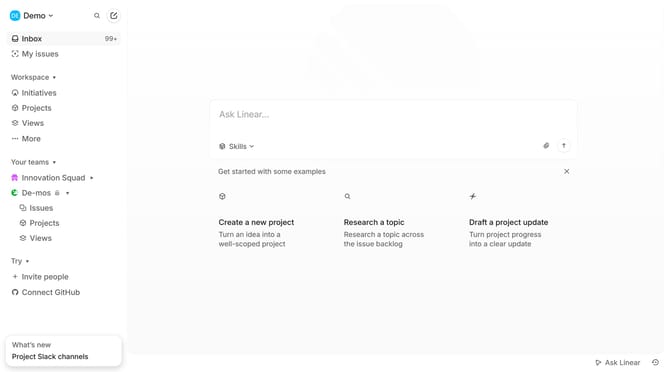
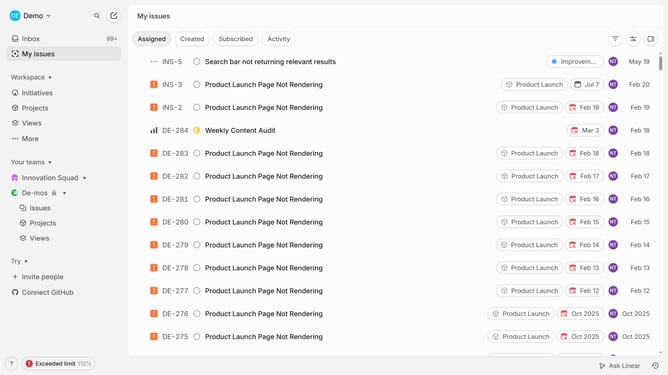
- First, click on "My issues" in the left sidebar
- Then, click on the filter icon in the header
- Next, select "Creator" from the dropdown menu
- Finally, select a checkbox from the list of creators
Why should you filter Linear app issues by creator on Linear
Linear is a streamlined project management tool designed to enhance team productivity and workflow efficiency.
When you filter issues by creator in Linear, it empowers team members by allowing them to efficiently track and manage their tasks, ensuring accountability and transparency.
This feature not only facilitates better organization but also aids in identifying patterns in workload distribution and issue ownership.
By using this feature, teams can focus on individual contributions, streamline communications, and prioritize tasks effectively.
Last update