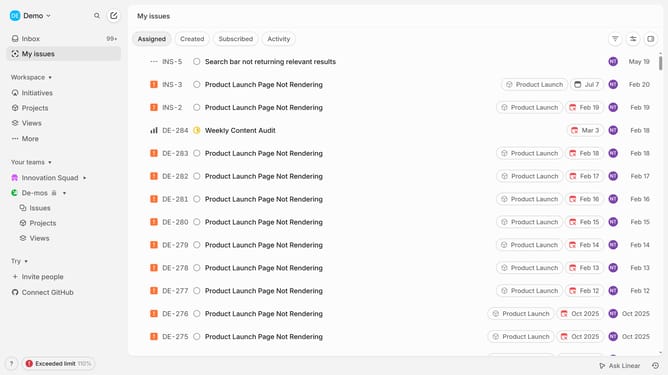
How to disable email notifications for comments and replies in Linear
Here is how to disable email notifications for comments and replies in linear
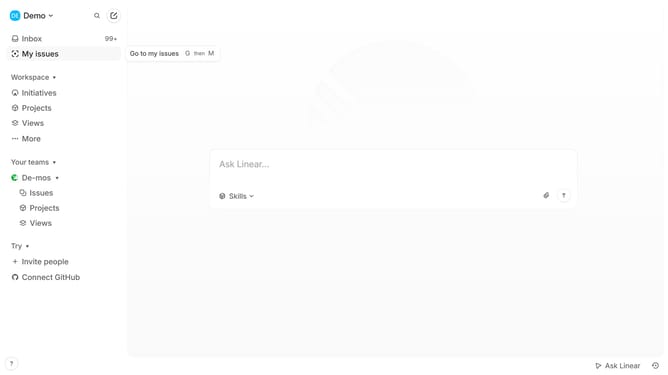
- First click on the "Demo" dropdown in the header to reveal the menu
- Then click on "Settings" in the revealed menu
- Next, click on "Notifications" in the sidebar menu
- Then click on the "Email" option in the Notification channels section
- Finally, click on the toggle switch next to "Comments and replies" to disable it
Why should you disable email notifications for comments and replies in Linear
Linear is a streamlined tool designed to facilitate efficient project management and collaboration across teams.
A standout feature of Linear is the ability to manage your notification preferences, such as disabling email notifications for comments and replies.
This feature provides a cleaner email inbox and a focused work environment, minimizing digital distractions.
Opting to deactivate these notifications enhances productivity by allowing users to engage with updates at their convenience, without the constant ping of new emails.
Last update