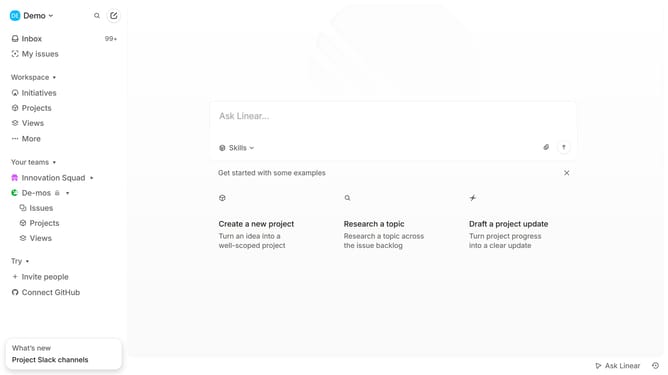
How to add a sub-issue into a project on Linear
Here is how to add a sub-issue into a project on linear
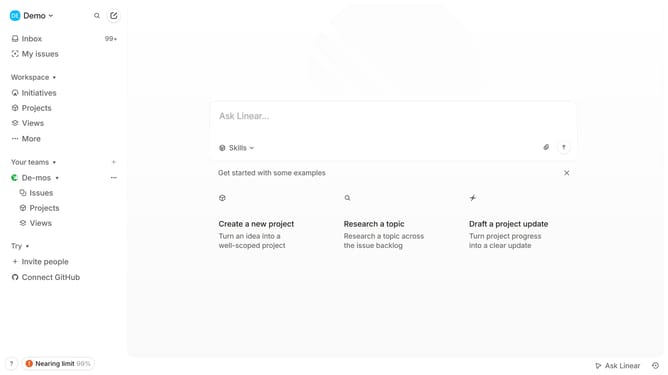
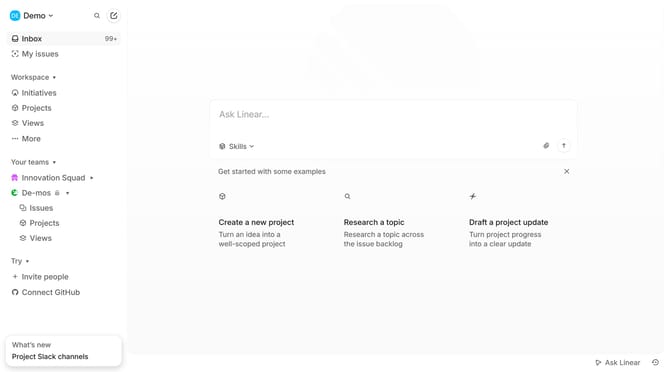
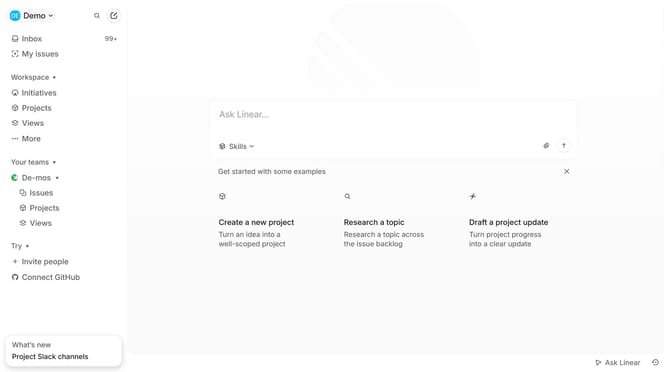
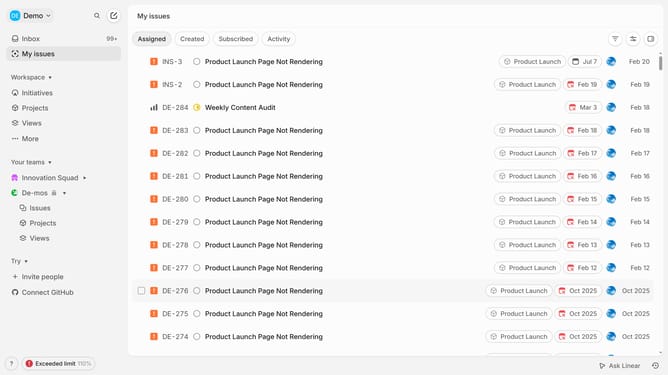
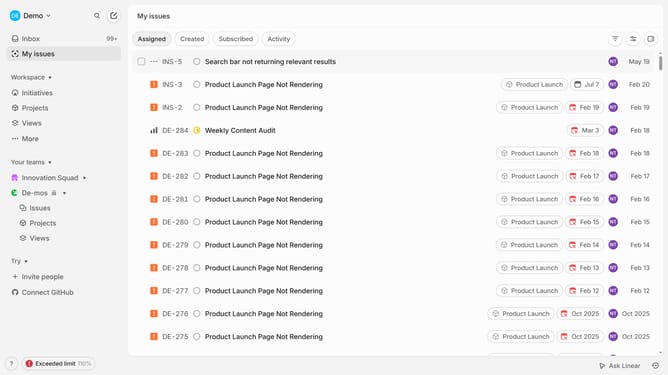
- First click on "My issues" in the left sidebar
- Then click on the issue that you want to manage
- Then right-click on the sub-issue
- Then click on "Project" in the sub-menu
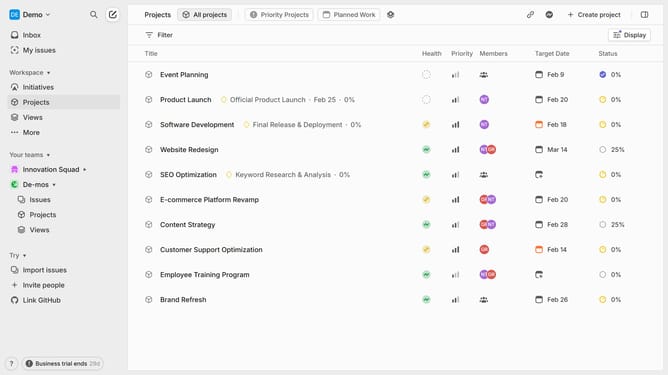
- Finally select from the project list
Why should you add a sub-issue into a project on Linear
Linear is a streamlined project management tool designed to enhance team productivity through intuitive issue tracking.
Adding a sub-issue into a project on Linear allows for better organization and precise tracking of tasks. This feature ensures that complex projects can be broken down into manageable parts, helping teams to focus on individual tasks without losing sight of the overall project goals.
By creating sub-issues, teams can delegate responsibilities more efficiently and track progress accurately. This fosters better collaboration and facilitates more effective communication among team members.
Last update