How to enable Linear app notifications for apps and integrations in Linear
Here is how to enable linear app notifications for apps and integrations in linear
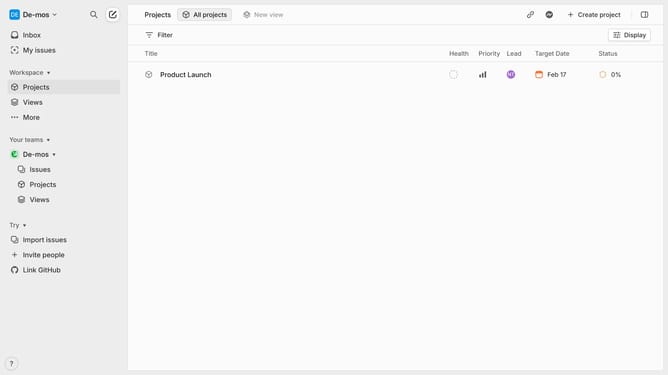
- First click on the "Demo" dropdown in the header
- Then click on "Settings" in the dropdown menu
- Next click on "Notifications" in the sidebar
- Then click on the "Mobile" option under Notification channels
- Finally click ON the toggle switch for "Apps and integrations"
Why should you enable Linear app notifications for apps and integrations in Linear
Linear is a streamlined project management tool designed to enhance team productivity through intuitive task tracking.
Enabling notifications for apps and integrations in Linear keeps you updated on key developments without the need for constant manual checks.
This feature ensures you're instantaneously informed about task updates and team activities, promoting seamless collaboration and swift response times.
Leveraging app notifications in Linear translates into a more efficient workflow and helps teams stay synchronized effortlessly.
Last update