How to add a reaction to updates on projects on Linear
Here is how to add a reaction to updates on projects on linear
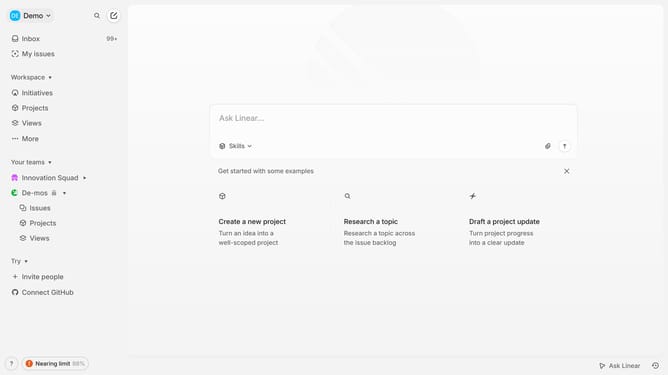
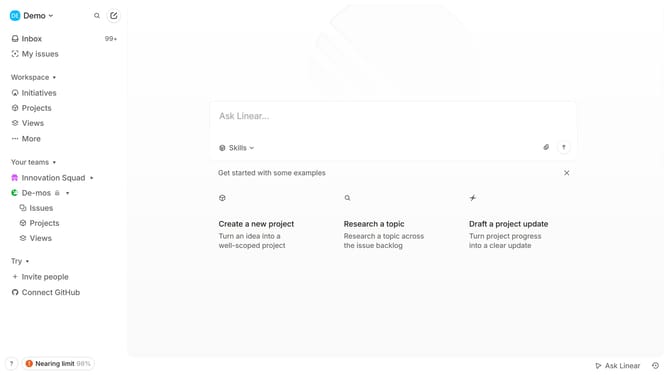
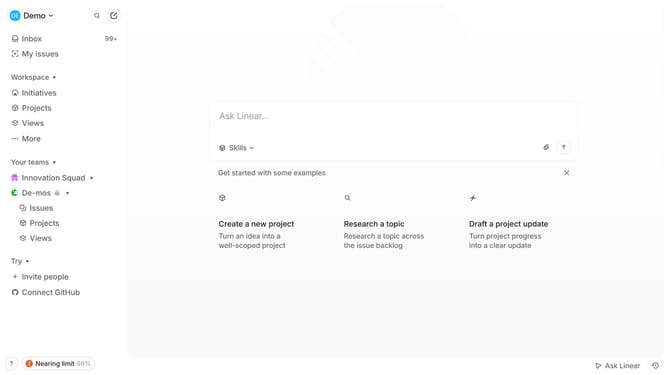
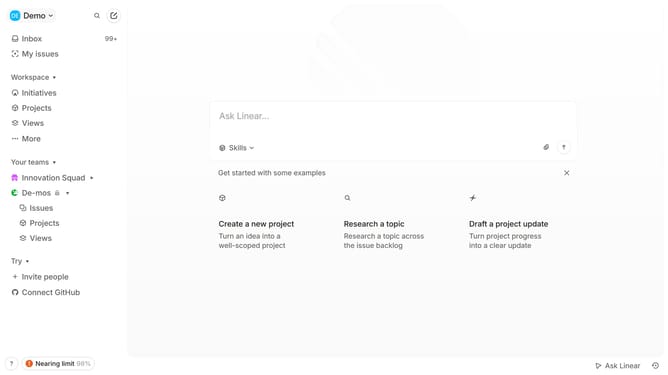
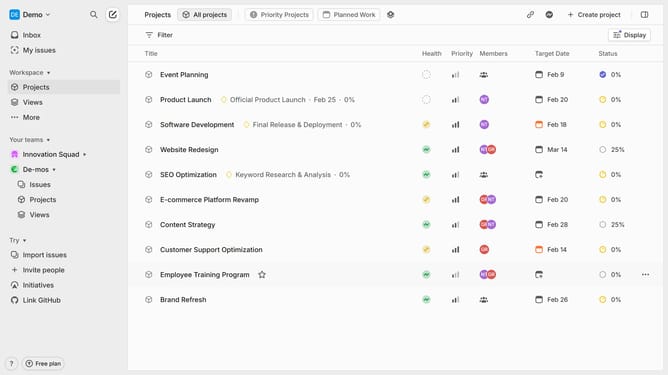
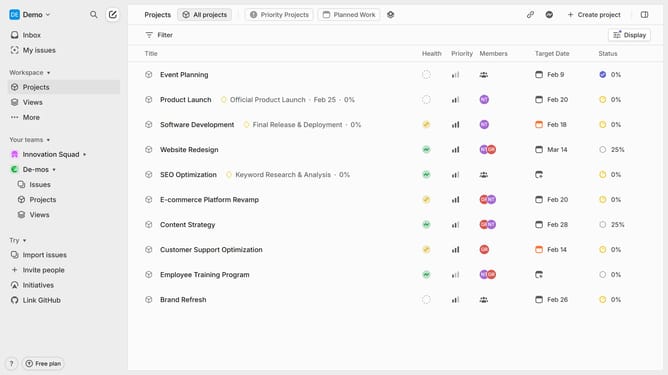
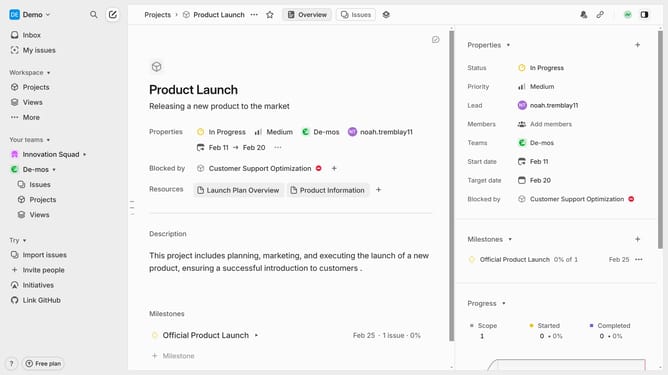
- First click on "Projects" item in the left sidebar
- Then click on the project title that you want to manage
- Next click on the smiley face icon
- Finally select an emoji from the dropdown menu
Why should you add a reaction to updates on projects on Linear
Linear is an intuitive project management tool designed to streamline team workflows and enhance productivity.
One of the key features of Linear is the ability to add reactions to updates on projects. This feature enriches communication, allowing team members to quickly express feedback or acknowledgment without the need for lengthy text responses.
Reactions bring a layer of interactivity to updates, fostering a more engaging and supportive team environment. They encourage participation and provide real-time insight into team dynamics, making project management more responsive and collaborative.
Last update