How to set Linear app font size in Linear
Here is how to set linear app font size in linear
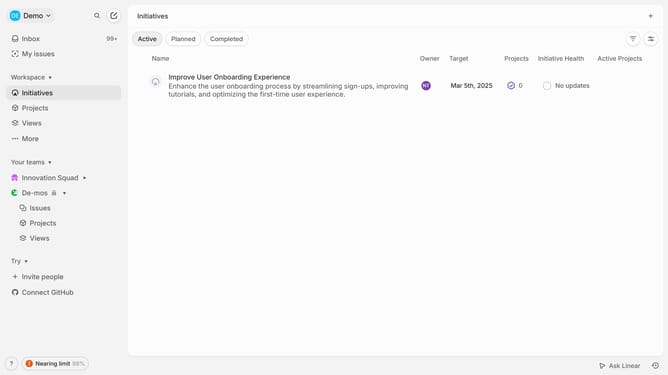
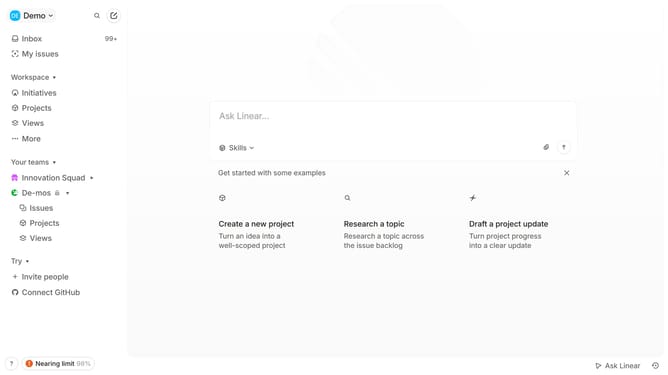
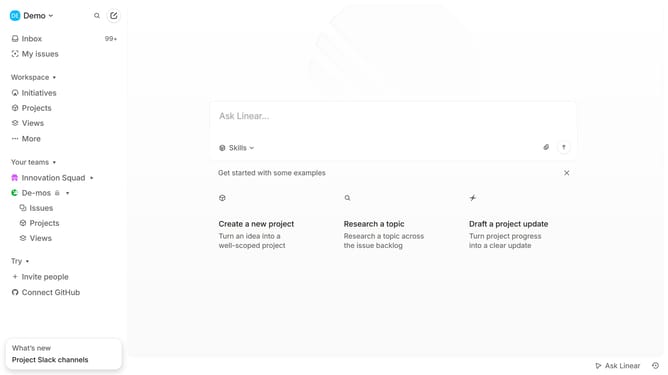
- First click on the "Demo" dropdown in the header
- Then click on "Settings" in the dropdown menu
- Click on the dropdown next to the "Font size"
- Finally, select the "Large" option from the displayed options
Why should you set Linear app font size in Linear
Linear is a cutting-edge productivity tool designed to streamline team projects and workflows.
One of the standout features of Linear is the ability to adjust the app's font size, enhancing readability and comfort. By personalizing the font size, users can effectively tailor their experience to their visual needs, making project management less stressful and more efficient.
This customization not only enhances accessibility but also contributes to reducing eye strain during extended periods of use, ensuring that users can maintain focus and productivity throughout their tasks.
Last update