How to enable converting text emoticons to emojis in Linear
Here is how to enable converting text emoticons to emojis in linear
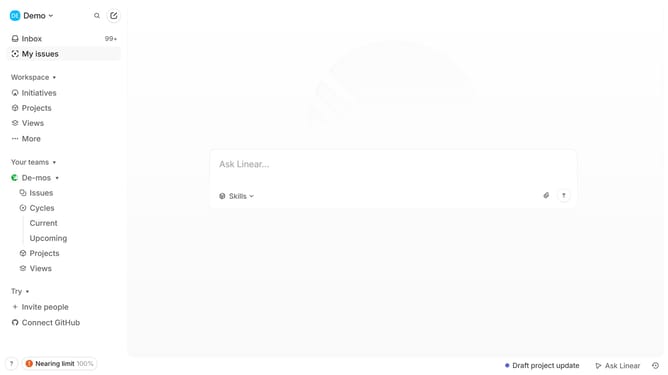
- First click on the account menu "Demo" in the header
- Then click on "Settings" in the sidebar
- Finally ,click on the toggle switch for "Convert text emoticons into emojis" in the main content area to enable it
Why should you enable converting text emoticons to emojis in Linear
Linear is a cutting-edge tool designed to streamline project management and enhance team collaboration.
By enabling text emoticon conversion to emojis in Linear, users can transform simple text into vibrant emoji characters. This feature enhances communication by visually expressing emotions, making interactions more engaging and personal.
Emojis add a unique touch of personality to your messages, breaking monotony and fostering a positive team environment. This small adjustment can significantly boost team morale and clarify context, ultimately leading to more efficient communication within your projects.
Last update