How to underline text in tables within project documents in Linear
Here is how to underline text in tables within project documents in linear
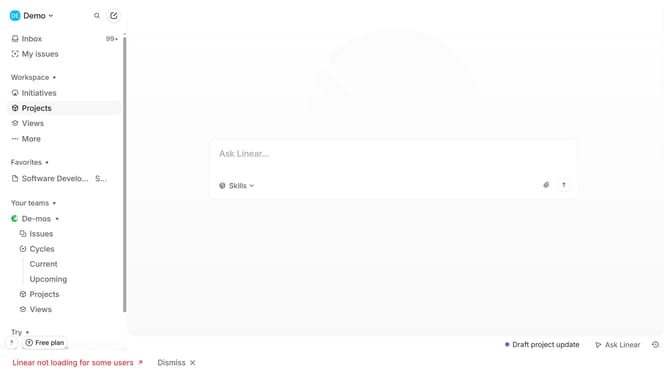
- First click on "Projects" item in the left sidebar
- Then click on the project name to open it
- Next click on the document link in the "Resources" section
- Then click and highlight the word that you want to manage to show options
- Finally click on the "Underline" button in the formatting toolbar
Why should you underline text in tables within project documents in Linear
Linear is an intuitive project management tool designed to streamline your workflow and enhance team collaboration.
Underlining text in tables within Linear's project documents enhances readability by emphasizing key information.
This feature ensures critical data stands out, making it easier to convey essential points clearly and professionally.
Using this text formatting option, teams can improve document clarity, leading to more effective communication and decision-making.
Last update