How to set your linear app display name in Linear
Here is how to set your linear app display name in linear
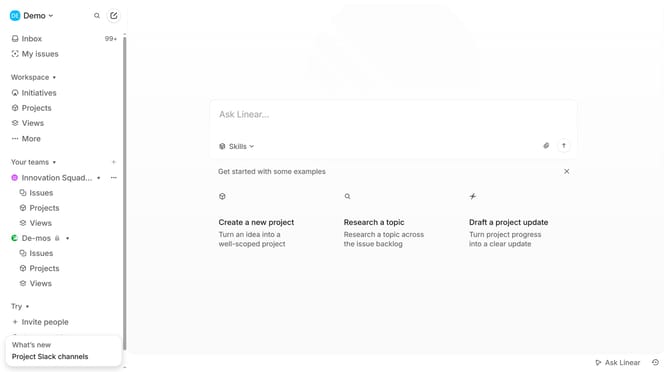
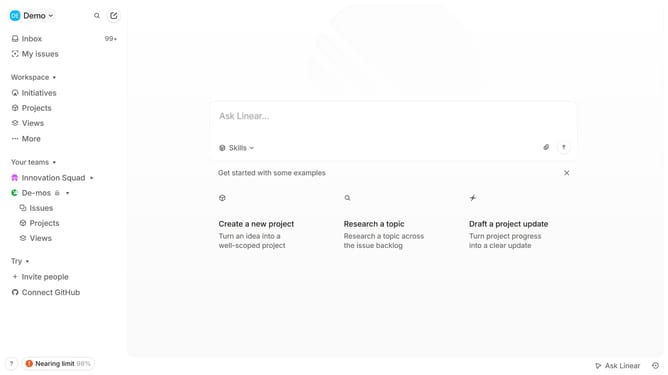
- First click on the user profile dropdown labeled "Demo"
- Then click on "Settings" in the left sidebar
- Then click on the dropdown next to "Display names"
- Finally click an option in the dropdown
Why should you set your linear app display name in Linear
Linear is a streamlined app designed for managing tasks and projects efficiently.
Setting your display name in Linear allows you to personalize your workspace, enhancing team interactions and establishing a professional identity. This feature ensures that team members can quickly identify contributors, fostering collaboration and communication.
With a unique display name, you can also streamline notifications and maintain consistency across projects, ultimately boosting productivity and team cohesion.
Last update