How to edit cycle name in Linear
Here is how to edit cycle name in linear
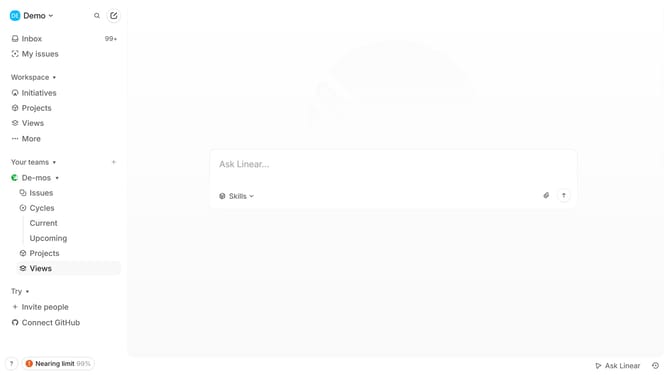
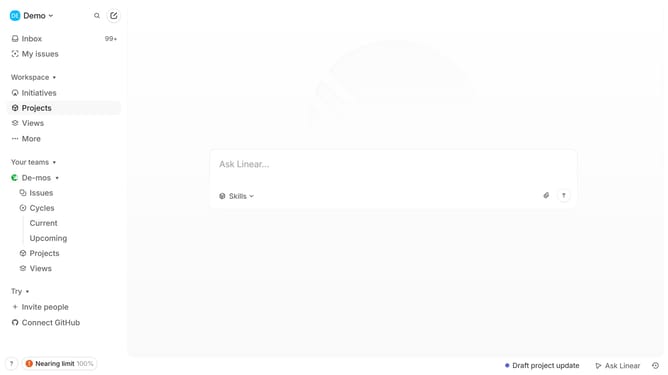
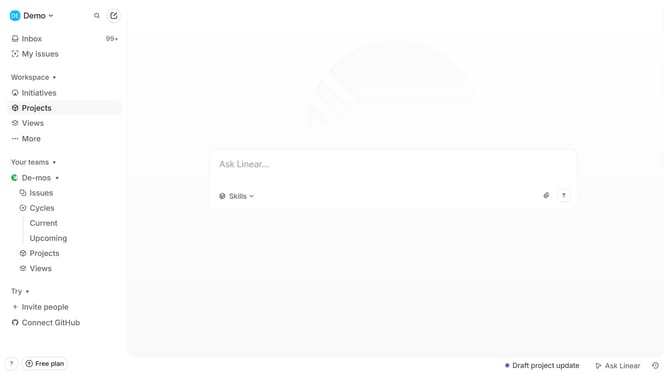
- First click on the "Cycles" item in the left sidebar under the team name
- Then click on the cycle that you want to manage
- Next, click on the three dots icon in the top right corner of the Cycle details
- After that, select "Edit cycle name and description" from the dropdown menu
- Then click on the text field and edit the name
- Finally click on the "Save" button
Why should you edit cycle name in Linear
Linear is a streamlined project management tool designed to enhance productivity and collaboration.
Editing a cycle name in Linear is a feature that empowers teams to maintain clear and organized workflows. Renaming cycles enables you to match project phases accurately, making it easier for everyone involved to understand the project's progress and objectives.
Adjusting cycle names keeps your team aligned by ensuring that terminology reflects current project goals. This clarity supports efficient communication and helps team members stay focused, ultimately driving productivity and success.
Last update