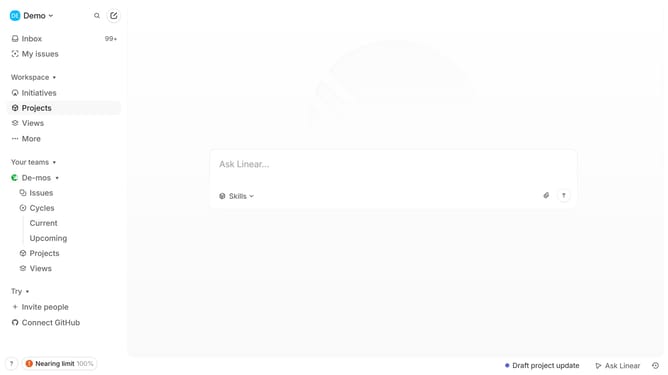
How to add updates on projects on Linear
Here is how to add updates on projects on linear
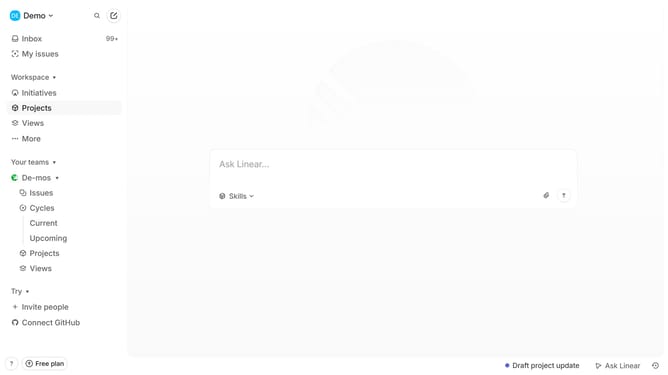
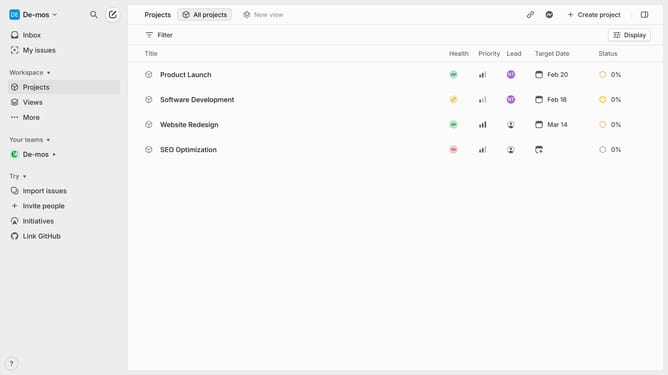
- First click on "Projects" item in the left sidebar
- Then click on a project in the main content area
- Next, click on the "Update" button in the right sidebar
- Then type your update in the text input field
- Finally click on the "Post update" button
Why should you add updates on projects on Linear
Linear is a streamlined tool designed for enhancing project management and team collaboration.
The feature allowing you to add updates on projects within Linear ensures that information is consistently current, fostering transparency and seamless communication.
Regular updates can drastically improve productivity by keeping your team aligned and informed. This functionality is beneficial for tracking progress, identifying bottlenecks, and making data-driven decisions swiftly.
In essence, using this feature supports a more agile workflow, empowering teams to adapt and innovate with confidence.
Last update