How to enable email notifications for assignments in Linear
Here is how to enable email notifications for assignments in linear
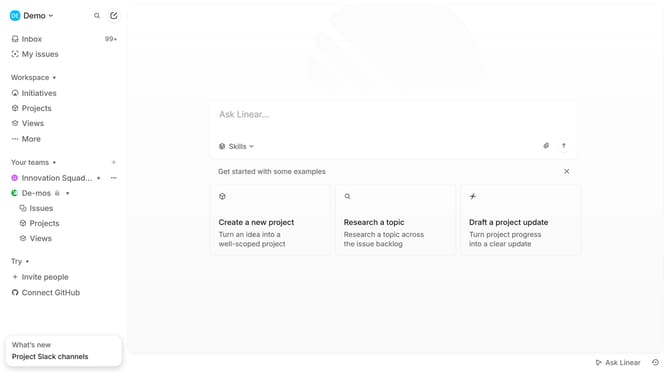
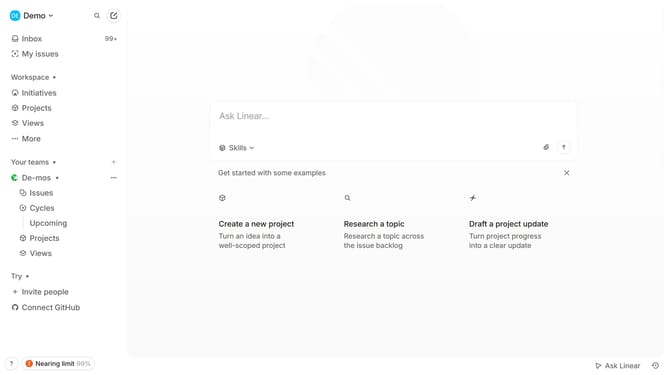
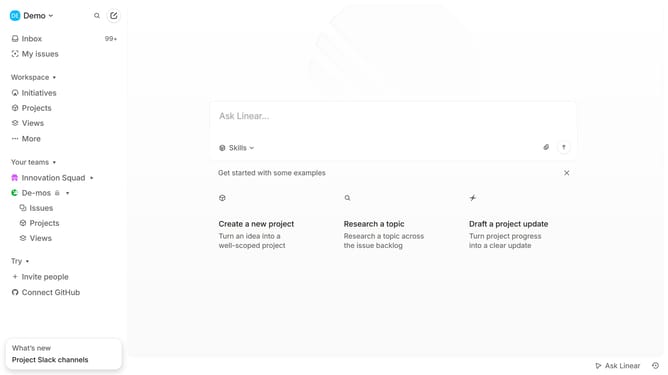
- First click on the "Demo" dropdown in the header
- Then click on "Settings" in the dropdown menu
- Next, select "Notifications" from the sidebar
- Click on "Email" to configure email notifications
- Finally, toggle the switch for "Assignments" in the email digest settings
Why should you enable email notifications for assignments in Linear
Linear is a powerful tool designed to streamline project management and team collaboration.
Enabling email notifications for assignments in Linear enhances team productivity by ensuring that everyone stays updated on their tasks in real-time.
This feature provides timely alerts, keeping team members informed of new assignments, changes, and deadlines without having to constantly check the app.
With email notifications, vital information reaches your inbox directly, preventing any overlooks and facilitating prompt action.
Last update