How to strikethrough text in tables within project documents in Linear
Here is how to strikethrough text in tables within project documents in linear
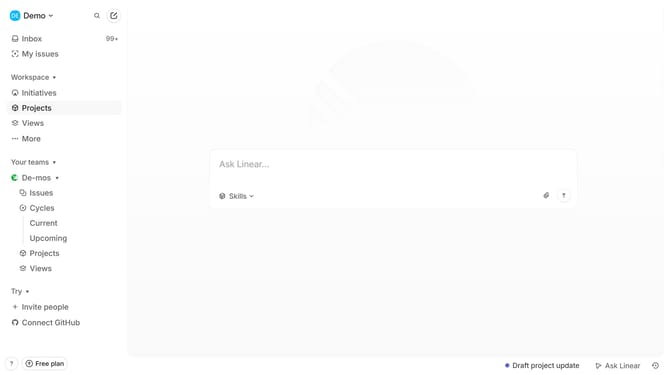
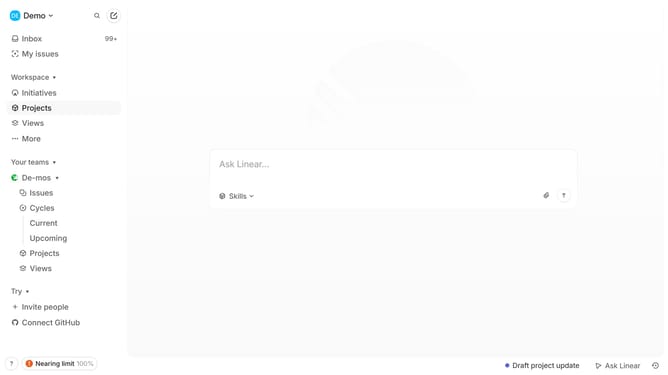
- First click on "Projects" item in the left sidebar
- Then click on the project name to open it
- Next click on the document link in the "Resources" section
- Then click and highlight the word that you want to manage to show options
- Finally click on the "Strikethrough" button in the formatting toolbar
Why should you strikethrough text in tables within project documents in Linear
Linear is a streamlined project management tool designed to optimize team productivity and efficiency.
Striking through text in tables within Linear project documents streamlines visual communication among team members, clearly indicating completed or irrelevant tasks. This feature aids in organizing and maintaining clarity in data presentation.
By utilizing the strikethrough feature, teams can quickly identify and shift focus from less important items, thereby enhancing workflow and prioritization. This results in a more efficient progression towards project goals.
Last update