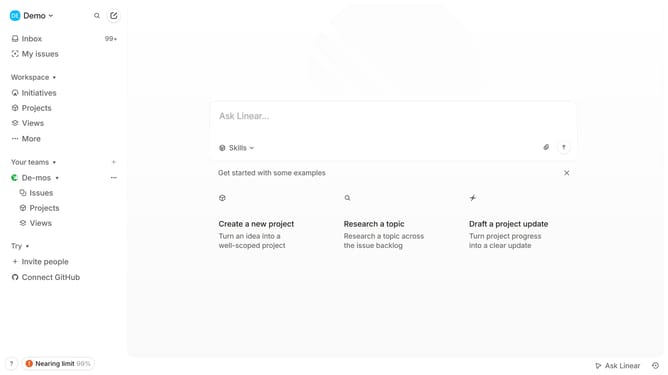
How to disable mobile app notifications on Linear app comments and replies on Linear
Here is how to disable mobile app notifications on linear app comments and replies on linear
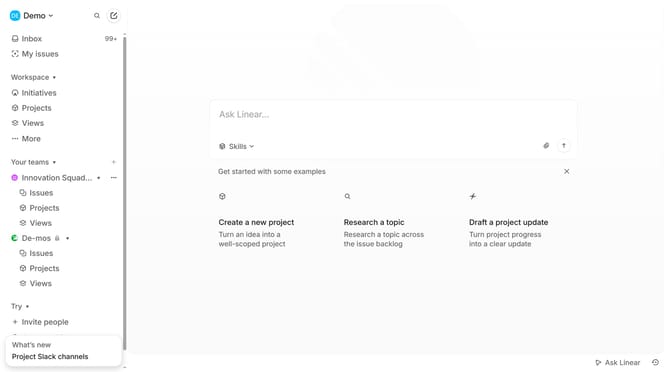
- First click on the "Demo" dropdown in the header
- Then click on "Settings" in the sidebar menu
- Next, click on the "Notifications" option in the sidebar menu
- Then click on "Mobile" in the list of notification channels
- Finally, click the toggle OFF to disable "Comments and replies" notifications
Why should you disable mobile app notifications on Linear app comments and replies on Linear
Linear is a streamlined platform designed to help teams manage projects and tasks efficiently.
Disabling mobile app notifications for comments and replies on Linear allows for a more focused work environment. This feature is invaluable for users who want to minimize distractions while still maintaining control over their task management.
By turning off notifications, you can prioritize deep work without being interrupted by alerts, helping to enhance productivity. This feature underscores Linear's commitment to a clutter-free workspace, giving users the ability to tailor their notification preferences to suit individual needs.
Last update