How to edit templates on Linear
Here is how to edit templates on linear
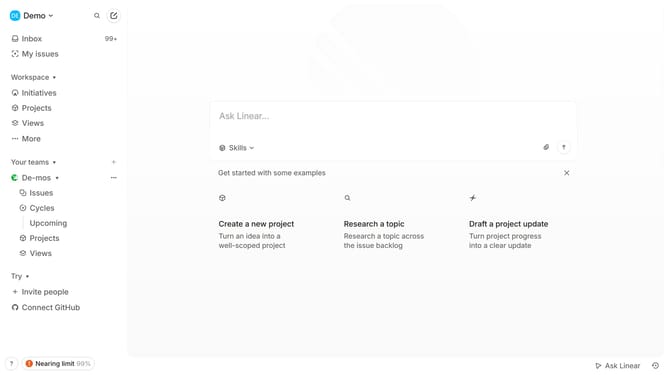
- First click on the Workspace dropdown in the header
- Then click on "Settings" option in the dropdown menu
- Next click on "Templates" in the left sidebar under Features
- Locate the template you want to edit from the list and click on the three dots for more options (...)
- Select "Edit" option from the template's dropdown menu
- Make changes to the title, description, default fields, or pre-filled content as needed
- Once done, click "Save Changes" to update the template
- Your updated template is now ready for use
Why should you edit templates on Linear
Linear is a cutting-edge project management tool designed to streamline workflow for modern teams.
Editing templates on Linear allows teams to customize their project workflows effortlessly, ensuring that they align perfectly with specific project requirements.
This feature enhances productivity by enabling quick modifications, fostering a tailored experience that adapts to diverse projects.
Ultimately, it amplifies efficiency and consistency across different team operations, making project management a breeze.
Last update