How to change project icons into emoji on Linear
Here is how to change project icons into emoji on linear
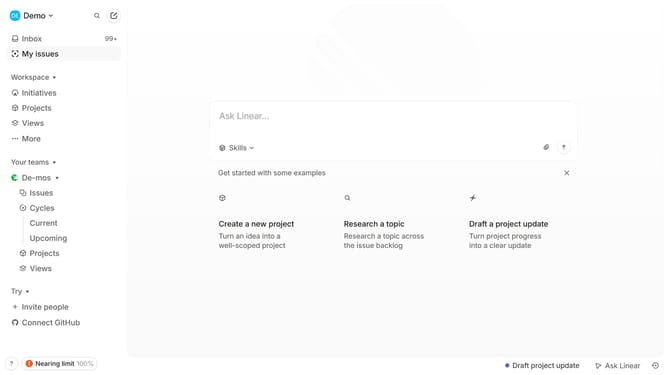
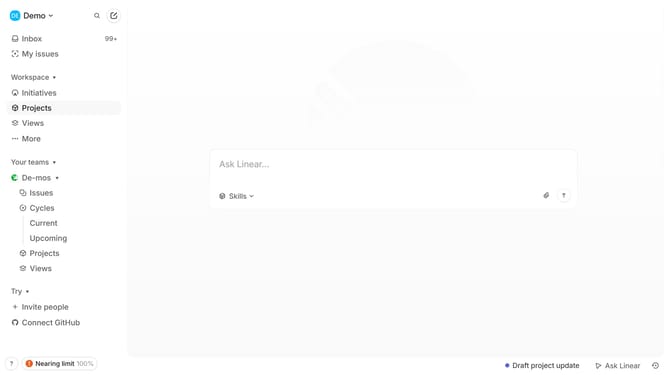
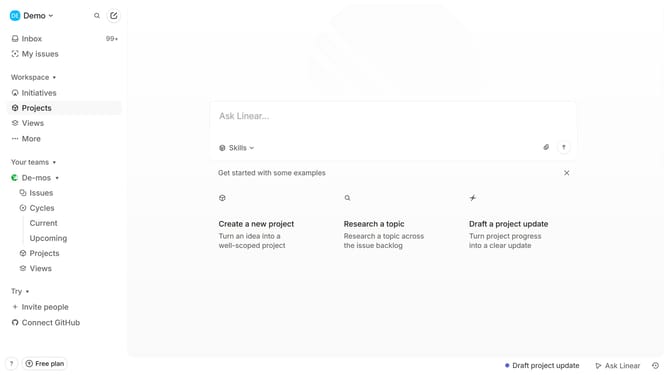
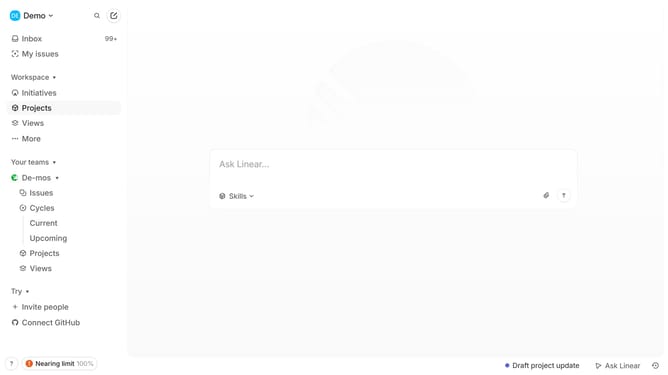
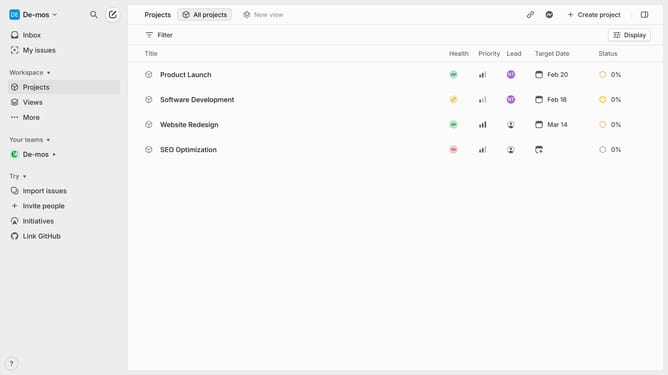
- First click on "Projects" in the left sidebar navigation
- Then click on a project from the list
- Next, click on the current icon to the project
- After that, click on the "Emojis" tab
- Finally, select an emoji
Why should you change project icons into emoji on Linear
Linear is a streamlined project management tool designed to enhance team productivity with intuitive workflows and organization.
One standout feature is the ability to change project icons into emojis, injecting a bit of personality and fun into project tracking. This not only makes the interface more visually appealing but also aids in quick identification, ensuring that team members can effortlessly distinguish between projects at a glance.
By using emojis, you can create an environment that is more relatable and engaging, fostering a positive and collaborative atmosphere among team members. Moreover, a touch of creativity in project flags can boost team morale and emphasize the unique culture of your team or company.
Last update