How to move documents in a project on Linear
Here is how to move documents in a project on linear
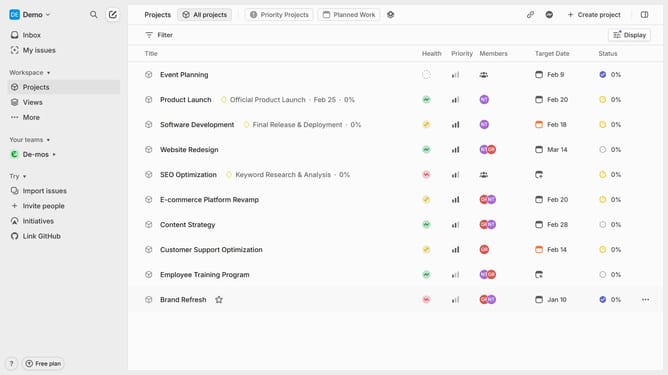
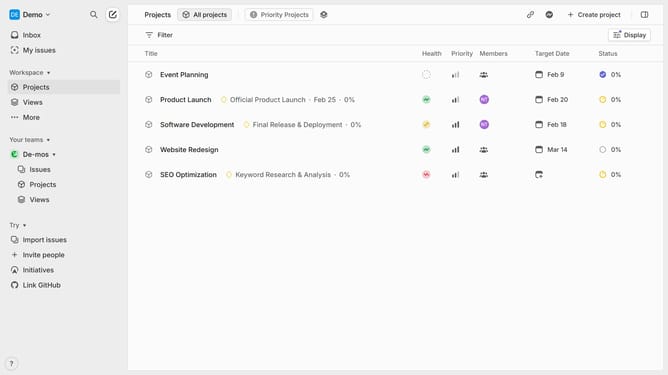
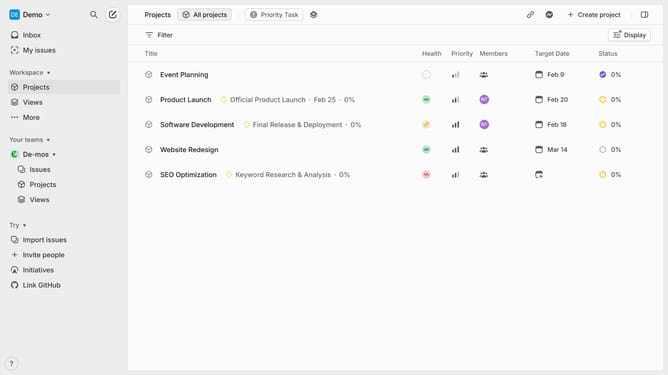
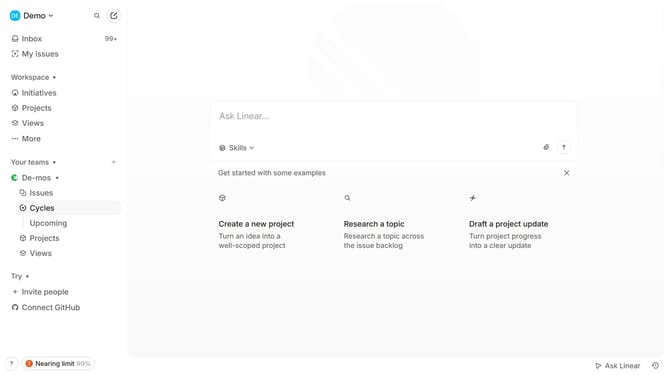
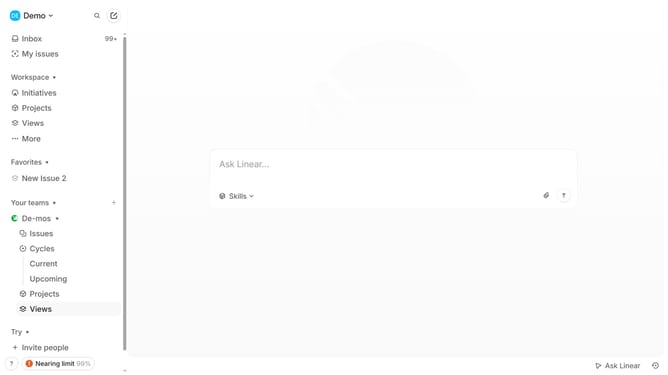
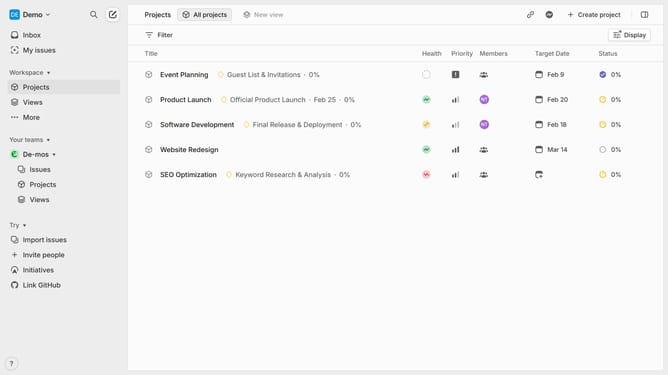
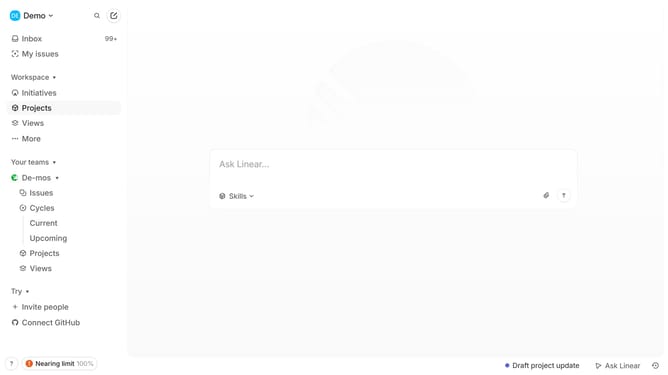
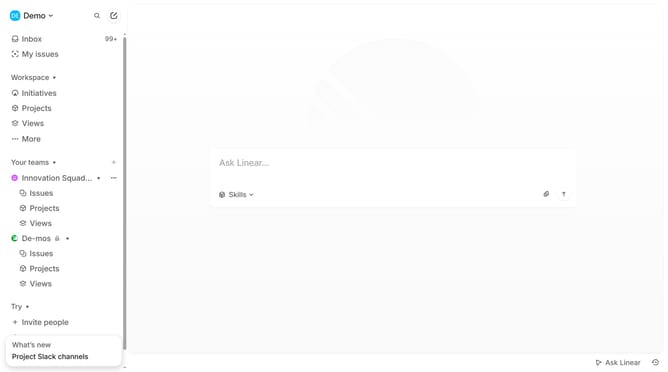
- First click on "Projects" item in the left sidebar
- Then click on "Software Development" item in the main content area
- Then click on the document that you want to maange
- Then click on the three dots icon in the top right corner of the document
- Then click on "Move to" in the dropdown menu
- Finally select the project name from the projects list
Why should you move documents in a project on Linear
Linear is an intuitive project management tool designed to streamline workflow and enhance team productivity.
Among its many features, moving documents within a project on Linear is particularly beneficial for maintaining project organization and clarity.
This document-moving capability allows team members to quickly rearrange and categorize project assets, ensuring that essential information is always easy to find.
By efficiently managing project documents, teams can focus on collaboration and progress, rather than administrative tasks, enhancing overall efficiency and output.
Last update