How to share a view on Linear
Here is how to share a view on linear
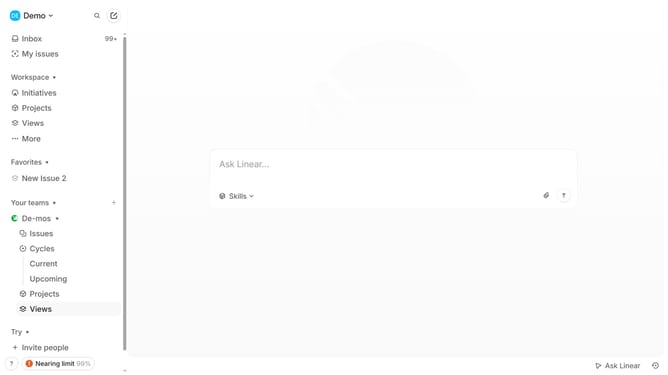
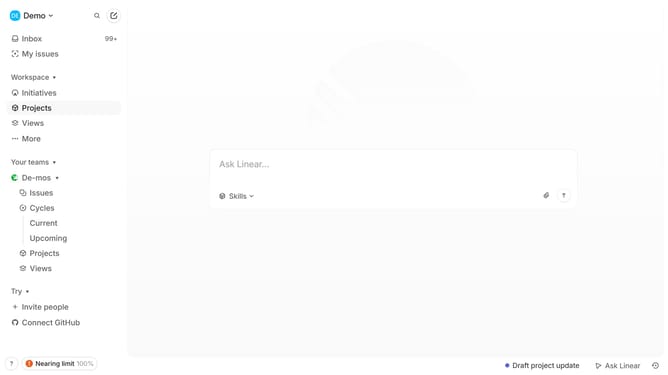
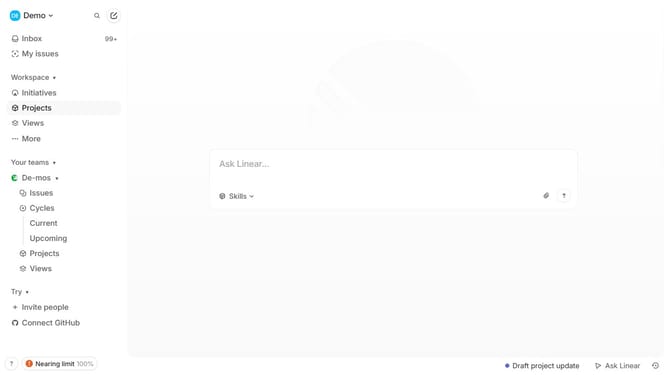
- First, navigate to "Projects"
- Select the saved view you want to share and right-click on it
- Then click "Copy link" to copy the link
- The view link has been copied succesfully, send the link to anyone you want to share the view to
Why should you share a view on Linear
Linear is a streamlined platform designed for efficient project management and collaboration.
Sharing a view on Linear allows team members to maintain alignment, ensuring everyone has access to the same information. This feature facilitates transparency by giving visibility into project status, progress, and updates.
By utilizing shared views, teams can foster better communication and ensure accountability, enhancing the synergy and overall productivity of collaborative efforts. This capability not only enhances coordination but also empowers better decision-making.
Last update