How to unfavorite a view on Linear
Here is how to unfavorite a view on linear
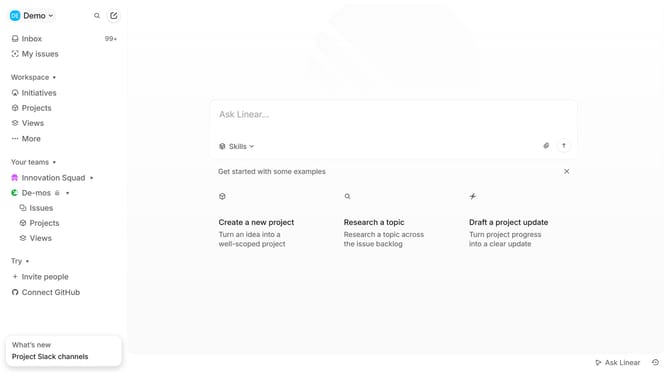
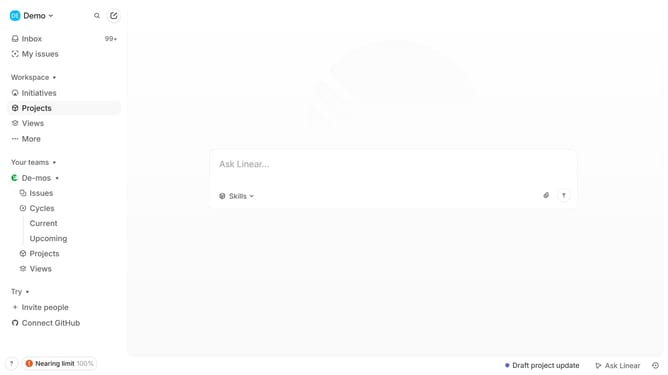
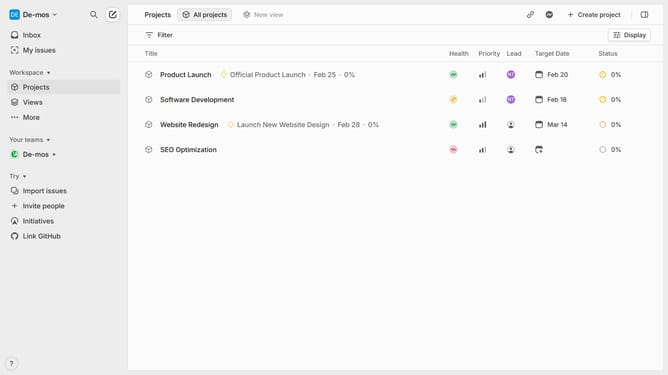
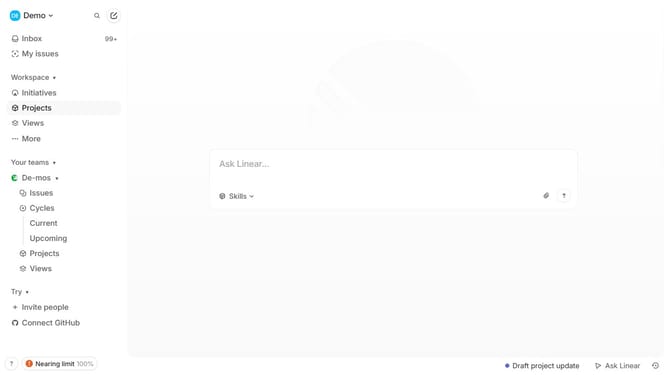
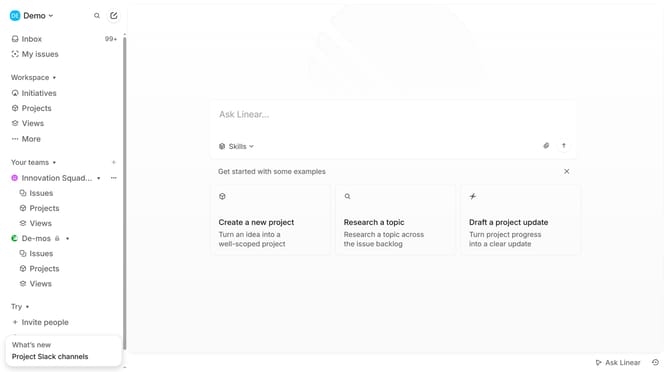
- First click on "Views" in the left sidebar
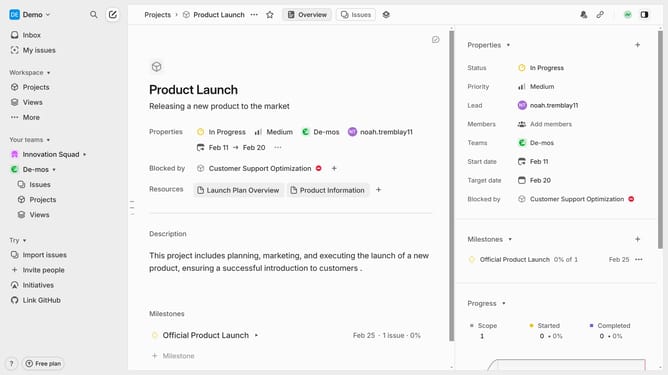
- Then click on the view that you want to manage
- Finally click on the star icon to unfavorite the view
Why should you unfavorite a view on Linear
Linear is a streamlined tool designed for managing software development tasks with ease and efficiency.
The ability to unfavorite a view on Linear is a simple yet powerful feature that enhances focus and organization. By unfavoriting views that are no longer relevant, users can maintain a clean and clutter-free workspace.
This helps in focusing on views that require immediate attention, improving productivity and ensuring time is spent on priorities. Simplifying your setup in Linear can transform your workflow, keeping only the most important tasks in sight.
Last update